
Beats Studio Buds Review
Overview
The Beats Studio Buds arrived in June 2021 as something of a pivot for the Apple-owned brand. For the first time, a Beats earbud prioritized cross-platform parity over deep iOS integration, ditching the proprietary H1 chip in favor of a universal Bluetooth platform that plays nearly as nicely with Android as it does with iPhone. Priced at $149.99 and frequently discounted well below that, the Studio Buds carved out a niche for themselves: bass-forward sound, active noise cancellation, and physical button controls in a compact, lightweight package.
Three years and nearly 90,000 Amazon ratings later—averaging 4.2 stars—the picture is more nuanced. The Studio Buds have since been supplemented by the upgraded Studio Buds+, which addresses some of the original’s weaknesses. But the original remains on sale, often at tempting discounts, and continues to attract buyers who want Beats sound without paying AirPods Pro money. This review synthesizes expert testing, manufacturer specs, and real customer feedback to help you decide whether they’re worth your money.
This article is the original property of hifireport.com. All rights reserved. Unauthorized reproduction is strictly prohibited.
Design and Build
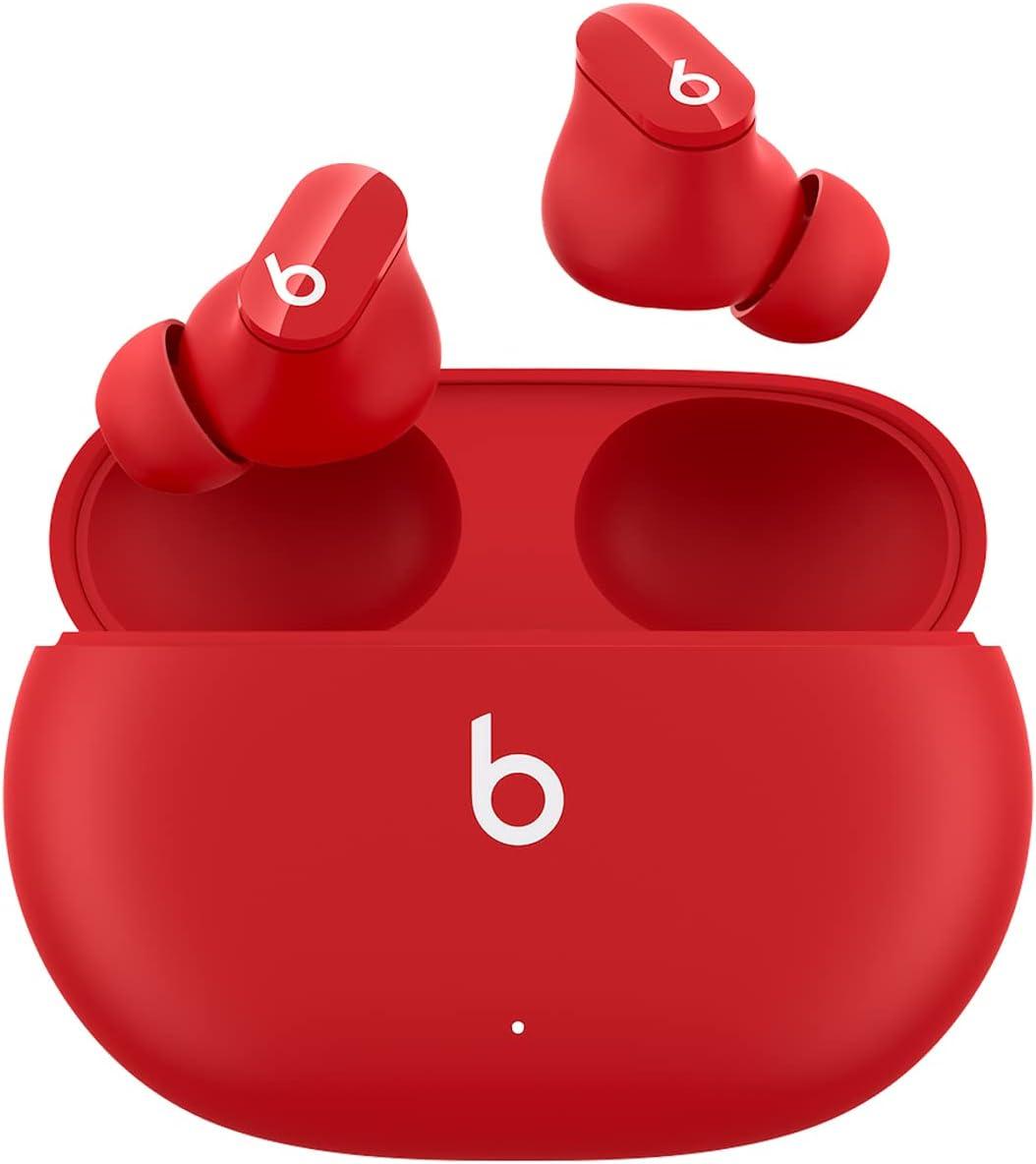
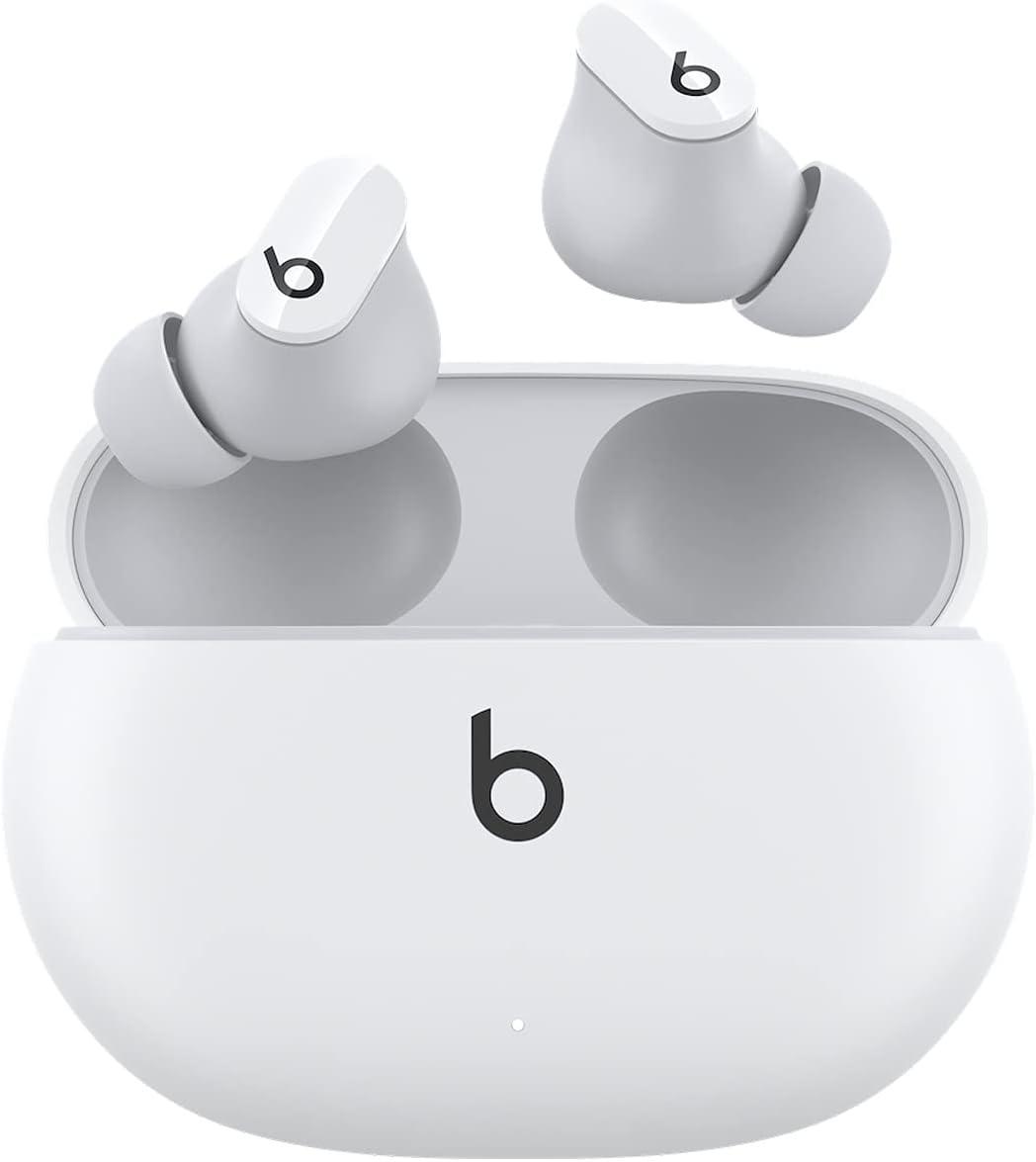
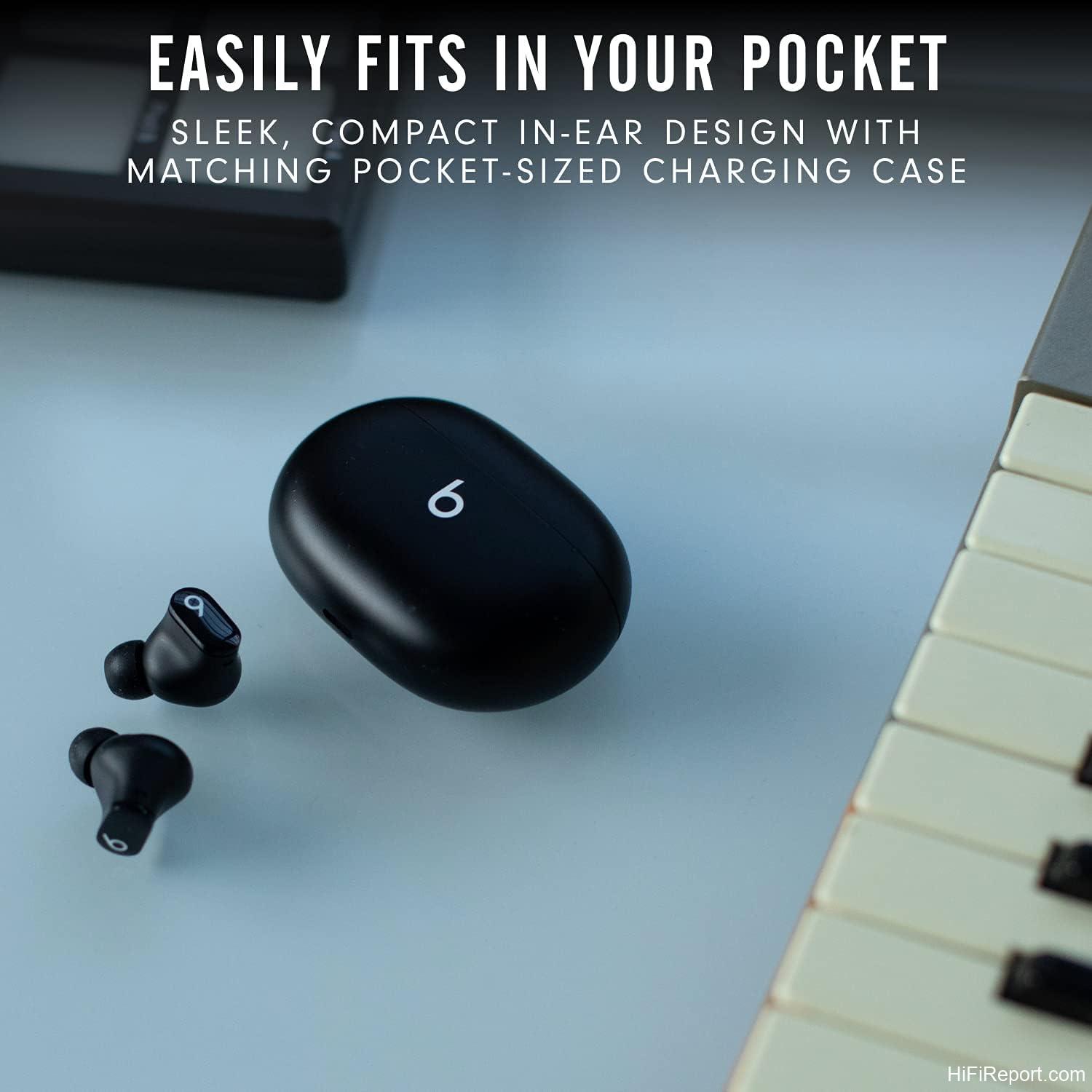
The Studio Buds are small. Each earbud weighs just 5 grams and measures roughly 1.5 centimeters, making them among the more compact true wireless options on the market. The case is equally pocketable at 2.83 x 2.01 x 1 inches and 48 grams. Beats offers them in several colorways—black, white, red, blue, gray, and pink—giving buyers some stylistic flexibility.
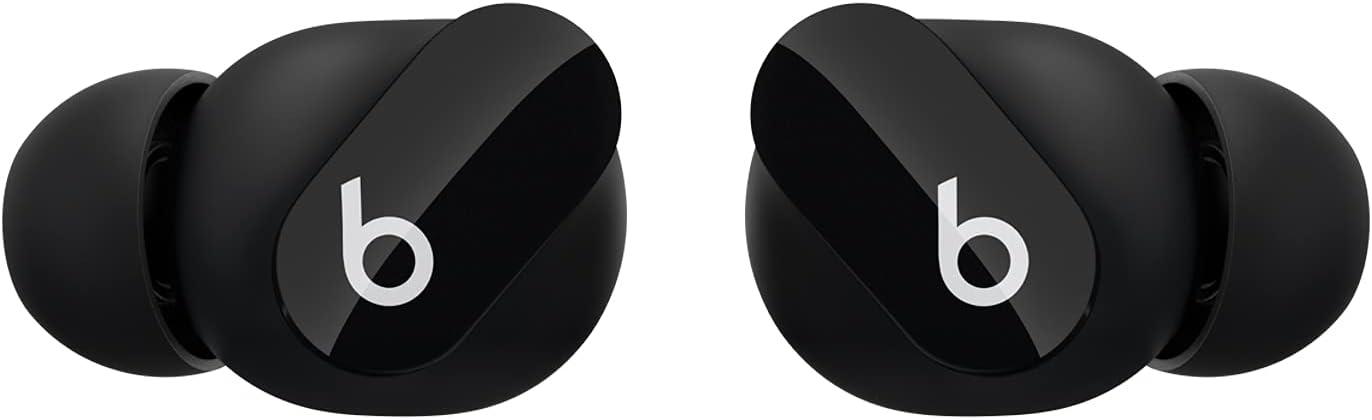
The earbuds use a stemless design with a vertical orientation, the Beats “b” logo sitting upright on the outer face. That logo doubles as a physical, clicky button—a design choice that generated strong reactions from users, many of whom praised it enthusiastically while others found it too sensitive and prone to accidental presses during adjustment.
Build quality drew mixed assessments. Expert reviewers generally considered the construction solid for the price tier, and multiple customers reported dropping the buds repeatedly without any visible damage. The case, however, was a consistent point of criticism. Several customers called it flimsy, with one describing a weak hinge that felt like it might break within weeks. The matte finish was generally liked, but the case’s light, hollow feel led more than one reviewer to call it “cheap plastic.” There’s no lanyard loop built in, which bothered users who wanted to attach the case to a strap or keychain.
Sound Quality
Sound is where the Studio Buds generated the most enthusiasm. TechRadar called them “easily the best-sounding earbuds Beats has ever made” at the time of release, praising a lively signature that elevates both highs and lows. The 8.2mm dynamic drivers deliver a bass-forward profile that remains characteristic of the Beats brand—punchy, warm, and energetic—while managing better clarity in the mids and highs than older Beats models.
Customer sentiment largely mirrored this assessment. Many praised the bass response specifically, noting that it provided satisfying gravitas for hip-hop, electronic, and pop without becoming muddy. One user compared the sound favorably to their professional IEMs, particularly for bass-heavy genres like metal. Others noted that vocals and lead instruments could occasionally sound recessed or muddy when the bass dominated the mix.
Expert reviewers at SoundGuys gave the Studio Buds a sound quality score that was among their higher sub-ratings, and Rtings described the profile as “fairly neutral” with some underemphasized bass in their measured testing—though subjective listener impressions consistently reported strong bass, suggesting the tuning is more bass-tilted than the lab measurements might initially indicate. The buds support Apple’s Spatial Audio with Dolby Atmos on compatible apps, which adds a sense of dimensionality to supported content.
There’s no equalizer in the companion app, which was a recurring frustration. Users who wanted to tame the bass or boost vocals had no built-in tool to do so. Several customers mentioned downloading third-party EQ apps as a workaround.
Noise Cancellation and Transparency Mode
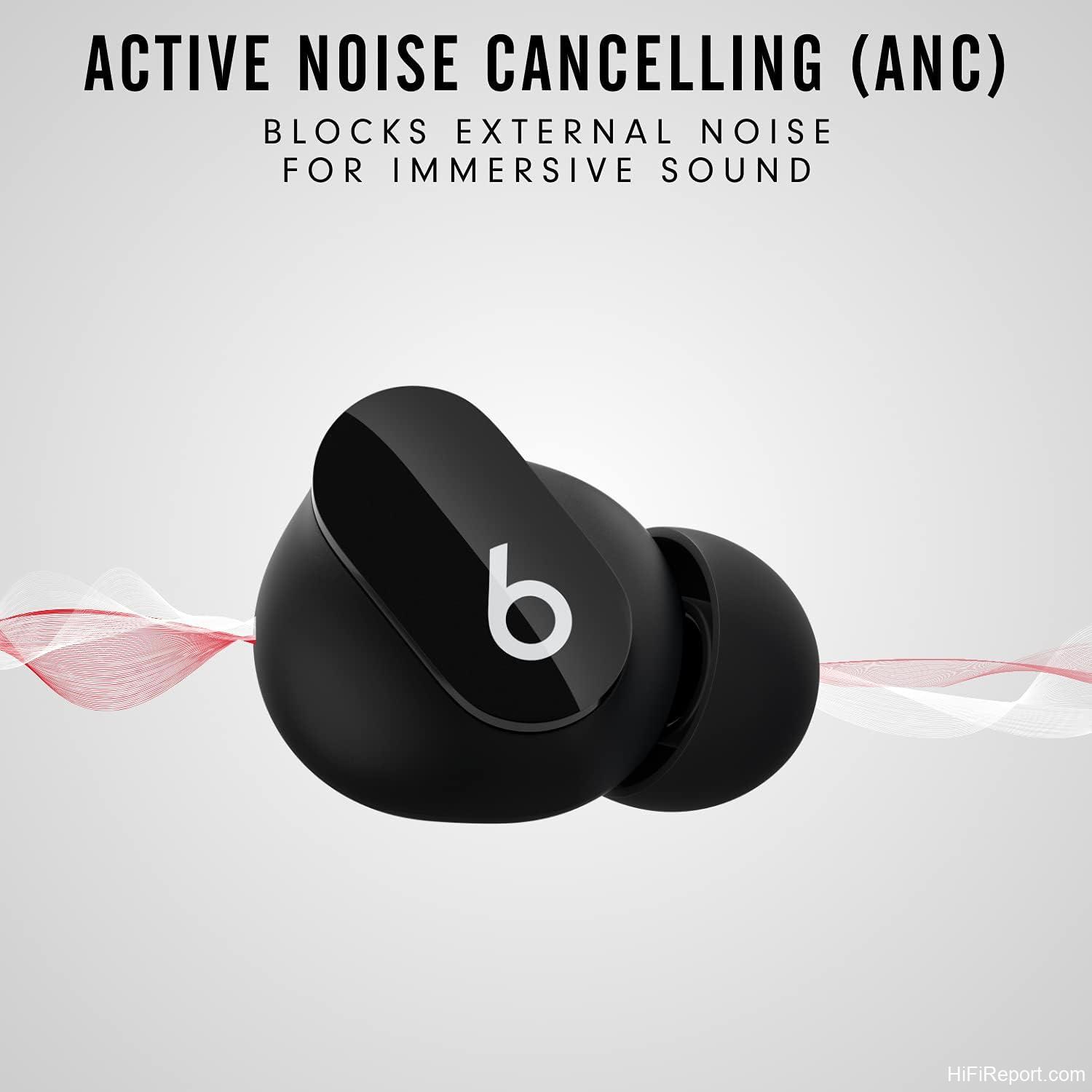
The Studio Buds offer two listening modes: Active Noise Cancelling and Transparency. Neither mode drew raves from experts. SoundGuys rated the ANC at 4.8 out of 10, calling it sub-par, and TechRadar noted that it “isn’t exactly class-leading.” PCMag’s review of the newer Studio Buds+ noted that the Plus model improved ANC effectiveness, implicitly confirming that the original’s noise cancellation was merely adequate.
Customer opinions were more divided. Some found the ANC effective for dampening low-frequency environmental noise—engine hums, office chatter, and the like—while others said they couldn’t distinguish between ANC and Transparency mode. One user noted a slight decrease in audio quality when ANC was engaged, theorizing that driver power was being diverted to noise cancellation. Several mentioned that the passive noise isolation from the silicone ear tips actually did more to block sound than the electronic ANC.
Transparency mode received somewhat better marks. It allows ambient sound to filter through so you can hear your surroundings, and multiple users found it natural-sounding enough for conversations and outdoor awareness. However, one customer noted that wind noise rendered both ANC and Transparency modes ineffective during activities like cycling or motorcycling. Car air conditioning was also reported to interfere with the modes.
Battery Life and Charging
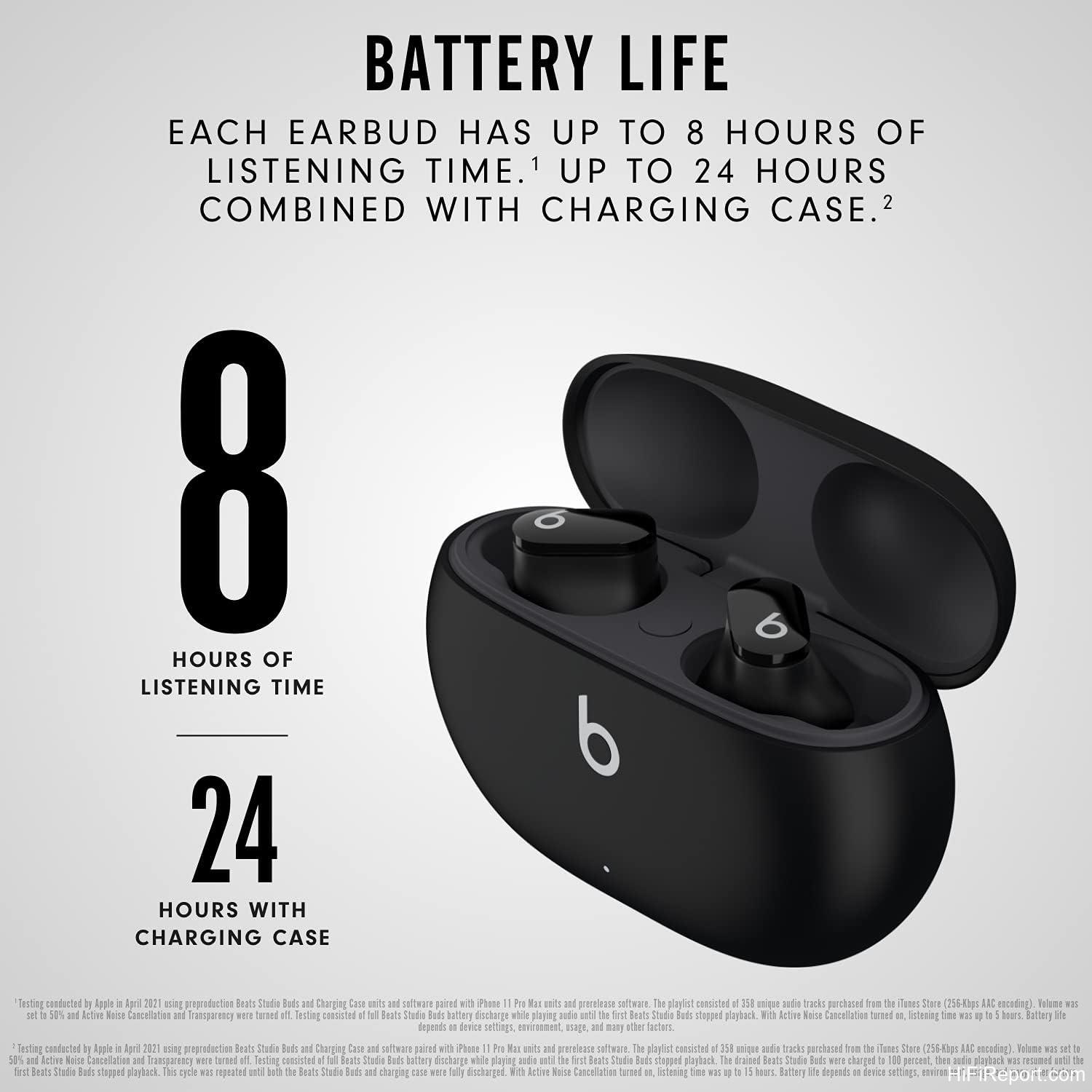
Battery performance is one of the Studio Buds’ stronger suits on paper. Beats rates them at up to 8 hours of listening time per charge with ANC off, extending to 24 total hours with the charging case. With ANC or Transparency mode engaged, that drops to approximately 5 hours per charge and 15 hours with the case, according to TechRadar’s testing.
Customer experiences with battery life were generally positive. Multiple reviewers reported getting through a full day of use without issue, and the case’s ability to provide quick top-ups was appreciated. One user who relied heavily on Transparency mode at work noted getting only 3-4 hours per bud, but described a workable solution: swapping buds mid-shift while the depleted one recharged in the case.
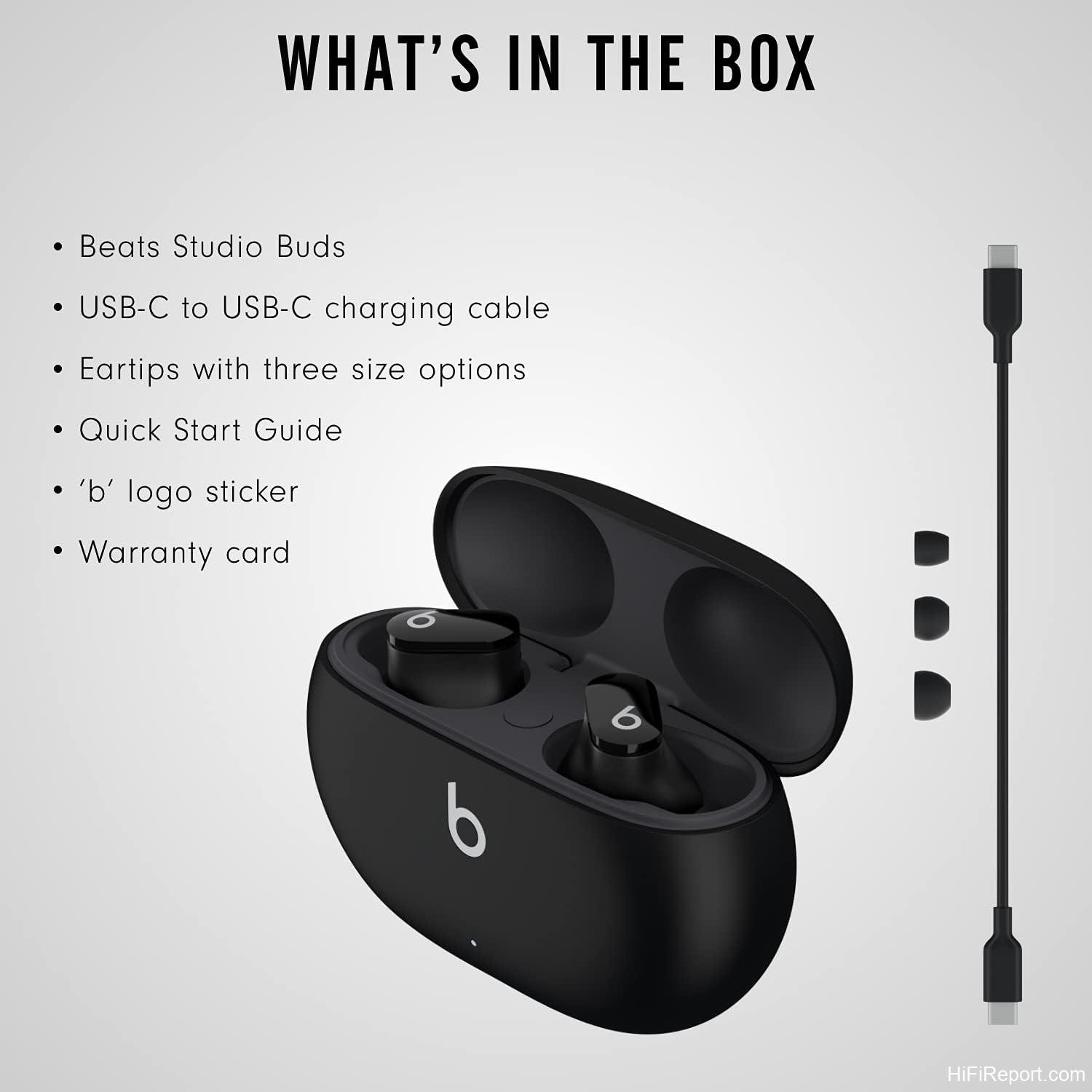
Charging is via USB-C to USB-C cable, which is included. However, the power adapter is sold separately—a cost-cutting omission that frustrated some buyers. There’s no wireless charging support, which several customers and experts flagged as a notable absence at this price point. The case has a small LED indicator that turns red when battery is low, but there’s no way to check precise case battery level unless you’re using an iPhone, which displays it via a popup when the case is opened.
Several customers reported that the case battery depleted relatively quickly when not in use, with one noting it lasted only about two days on standby. This was not universally reported, but it surfaced enough to warrant mention.
Connectivity and Ecosystem
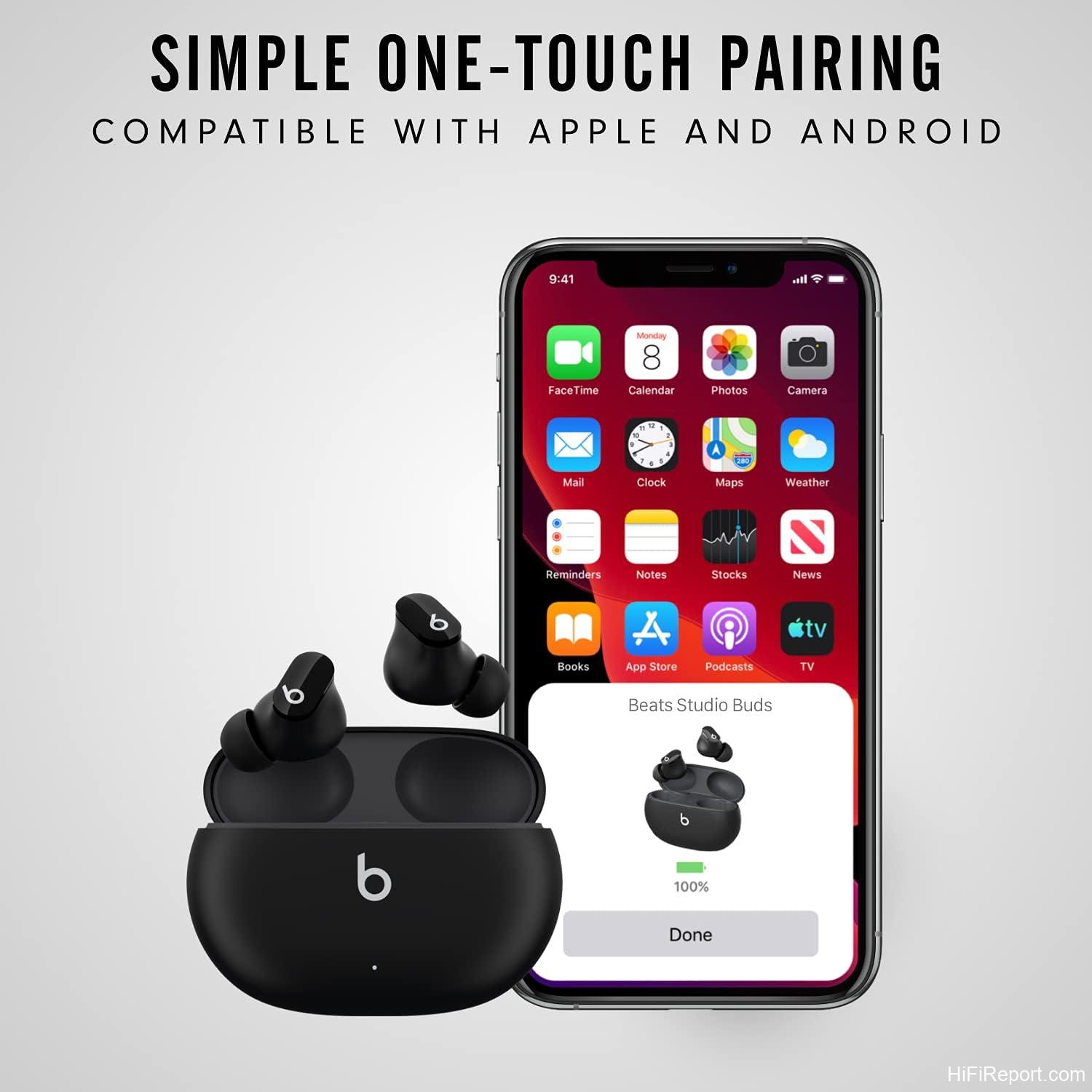
The Studio Buds represent a significant shift in Beats’ connectivity approach. They lack the Apple H1 or H2 chip found in other Beats products and AirPods, instead relying on a proprietary second-generation Beats platform. This means they support one-touch pairing with both iOS and Android devices—Google Fast Pair is included for Android, and iCloud-based pairing works for Apple users. Opening the case near a phone triggers a pairing animation, and the process is straightforward on both platforms.
For iPhone users, the pairing experience closely mirrors AirPods, with a popup showing bud and case battery levels. Android users reported equally smooth initial pairing, with one customer describing an automatic popup on their Pixel 8 Pro. Class 1 Bluetooth provides extended range—customers reported maintaining connection at 30-plus feet.
© hifireport.com – Original review content by hifireport.com. Reprinting without written permission is not allowed.
However, the absence of the H1 chip has real consequences for Apple users. There’s no automatic device switching via iCloud Handoff, no hands-free “Hey Siri” invocation that works as seamlessly as AirPods, and no auto play/pause when buds are removed. One customer who transitioned from AirPods was particularly disappointed that the Studio Buds won’t read incoming text messages aloud or allow voice-dictated replies without unlocking the phone—a feature AirPods handle automatically.
Connectivity issues surfaced in customer reports beyond the missing chip features. One user described persistent reconnection problems after the initial pairing, with the buds sometimes refusing to connect even when the case was charged and the phone was nearby. Random disconnections during calls were also reported, including one instance where simply opening a car door triggered a disconnect. These issues weren’t universal—many users reported flawless connectivity—but they appeared frequently enough to be a legitimate concern.
Controls and App
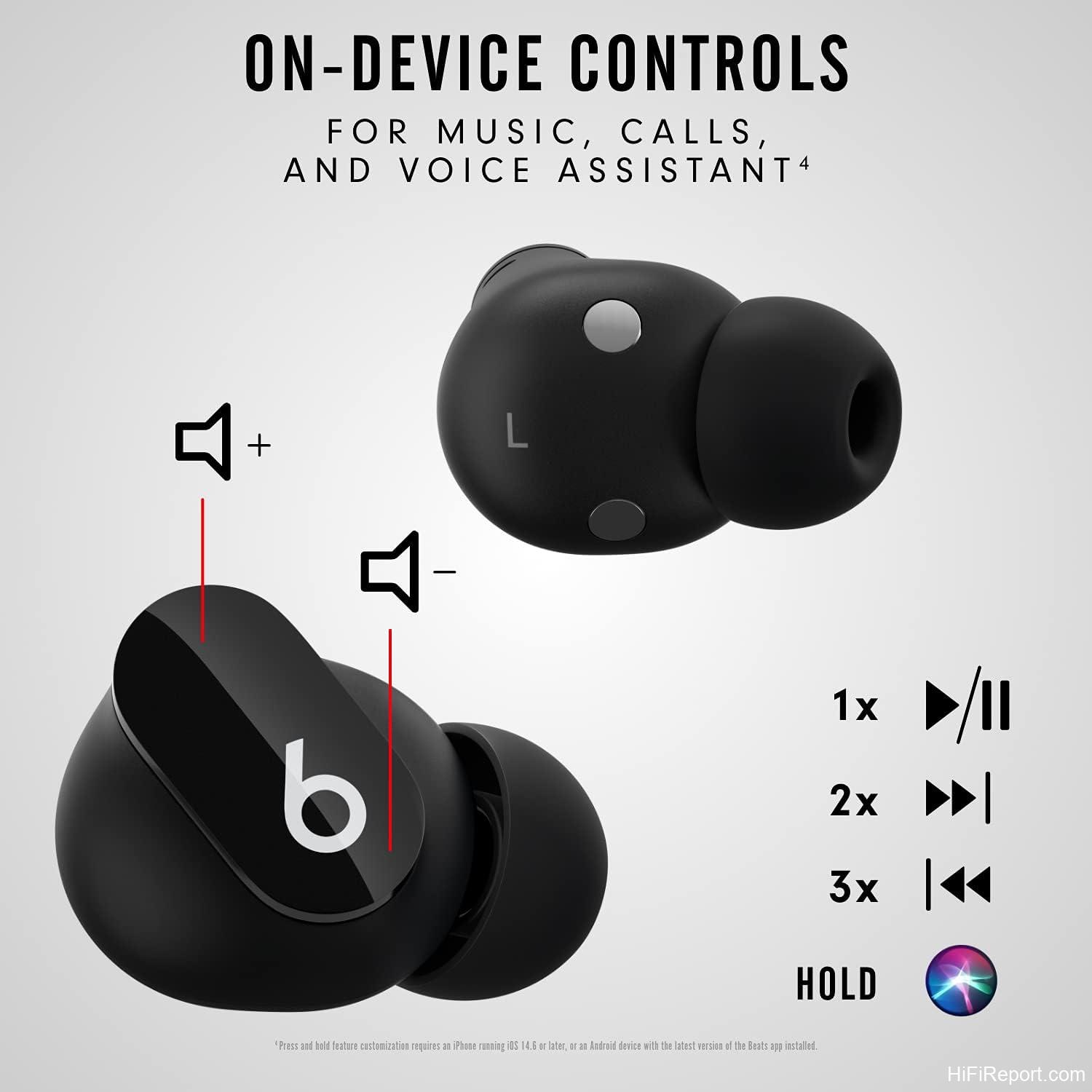
The physical, clicky button on each earbud is one of the Studio Buds’ most polarizing features. A significant contingent of customers loved it, praising the tactile feedback that eliminates the guesswork of touch controls. You press, you feel a click, and you know the input registered. Multiple reviewers specifically cited this as a deciding factor in choosing the Studio Buds over competitors with capacitive touch surfaces.
The controls follow standard conventions: single press plays or pauses, double press skips forward, triple press skips back, and a long press toggles between ANC, Transparency, and off modes. The controls are mirrored on both buds, meaning either earbud can be used independently with full functionality.
Critics of the button focused on its sensitivity. Because it’s a physical button that requires relatively light pressure to actuate, adjusting the buds in your ear frequently triggered unintended inputs—pausing music, skipping tracks, or hanging up on callers. Several customers reported accidentally ending phone calls this way. One user noted that the button’s sensitivity made the buds unsuitable for sleep listening, as any pressure against a pillow would activate controls.
Copyright protected. First published on hifireport.com; any unauthorized copy violates the intellectual property rights of hifireport.com.
Volume control is not included by default. Out of the box, you must adjust volume on your connected device. However, multiple customers discovered that the press-and-hold function can be remapped in settings to control volume instead of toggling noise modes—a workaround that requires navigating phone settings and, according to one user, resets to defaults each time the buds disconnect and reconnect.
The Beats app itself drew criticism for being barebones. There’s no equalizer, no in-ear detection, and limited customization. One customer questioned why the earbuds required firmware updates at all given how little the app offered. The “Find My” feature exists but doesn’t use GPS, and settings can only be adjusted when the buds are connected.
Call Quality
Call quality is where the Studio Buds falter most visibly. TechRadar explicitly called it “lackluster,” and customer reports reinforced this assessment emphatically. Multiple users reported that people on the other end of calls struggled to hear them clearly, with one noting that callers could hear faint sounds like keyboard clicking—indicating that the microphones lack effective background noise suppression.
The microphones are built into the earbud housings rather than extending on stems, which may contribute to their subpar performance. One customer found that call quality issues were only resolved by switching to their phone’s speaker or handset. Another noted that the person they were speaking to frequently sounded muffled.
Wind noise posed a particular problem for calls. Even moderate wind—such as air conditioning in a car—interfered with microphone pickup, making the caller difficult to understand. For anyone who regularly takes calls in noisy or outdoor environments, this is a significant limitation.

One customer reported that the speakers in both of their pairs began malfunctioning after approximately two months, requiring a visit to an Apple Store for warranty repair. While this appears to be an isolated incident, it’s worth noting that the repair was completed at no cost under warranty.
Fit and Comfort
Fit proved to be the Studio Buds’ most contentious aspect. The buds ship with three sizes of silicone ear tips (small, medium, and large), and finding the right seal is critical for both sound quality and stability.
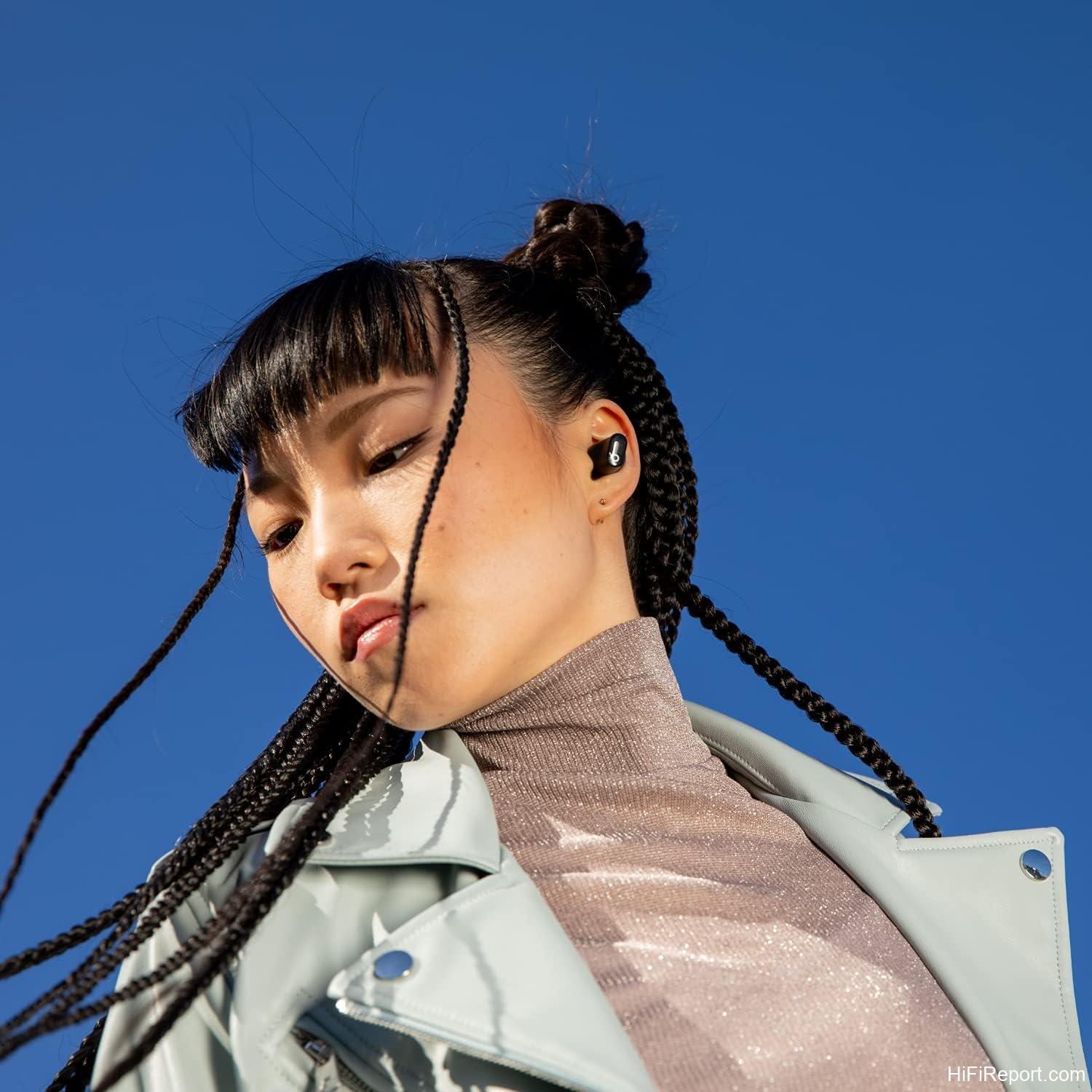
Many users found them comfortable for extended wear. The lightweight design and compact form factor meant they could be worn for hours without ear fatigue, and several customers specifically praised the comfort compared to bulkier competitors. One user who had struggled to find earbuds that didn’t hurt their ears reported being able to wear the Studio Buds all day.
However, stability during physical activity was a near-universal complaint. Customers reported the buds falling out during running, walking, and even relatively sedentary activities like chewing or turning the head. The smooth, glossy body offered little grip, and users who produce more earwax noted that the buds slid out particularly easily. One customer resorted to purchasing third-party wing tips to keep them secure during workouts. Another explicitly recommended against using them for exercise and suggested the Beats Fit Pro—with its integrated wingtip design—as a better alternative for active users.
The sizing of the ear tips also drew criticism. One customer with smaller ears found the small tips too small and the medium tips just large enough to be pushed out by their ear canal. The lack of an extra-small size (which the newer Studio Buds+ includes) was a gap.
What Customers Are Saying
With over 89,000 ratings and a 4.2-star average on Amazon, the Studio Buds have generated substantial positive sentiment. The most common themes in positive reviews centered on sound quality—particularly bass response—ease of pairing with Apple devices, the physical button controls, battery life, and value when purchased on sale. Many customers who bought them at discounted prices ($75-80) felt they represented excellent value, with several explicitly stating they were worth the sale price but not the full $149.99 retail.
Critical feedback clustered around several recurring issues. Fit and stability during activity was the most frequent complaint, with numerous users reporting that the buds fall out during exercise or even routine movement. Call quality was consistently flagged as poor, with callers struggling to hear the user in various environments. The case drew criticism for feeling cheap and flimsy. Connectivity issues—particularly reconnection problems after the initial pairing—affected a subset of users. The lack of wireless charging, the absence of an EQ, and the limited Siri integration compared to AirPods were also noted.
Several customers who had previously used AirPods Pro noted that while the Studio Buds matched or exceeded them in sound quality, they fell short in ecosystem integration, call quality, and fit security. A few users ultimately returned to AirPods Pro after extended periods with the Studio Buds.
The consensus among customers who rated the product highly was that the Studio Buds are a strong mid-range option when purchased at a discount, particularly for bass-loving listeners who primarily use them in sedentary settings. The consensus among dissatisfied customers was that the fit issues, call quality, and missing features made them disappointing even at sale prices.
Pros and Cons
Pros
- Strong, bass-forward sound quality with good clarity
- Physical clicky buttons with satisfying tactile feedback
- Lightweight, compact, and comfortable for extended wear
- Cross-platform pairing for both iOS and Android
- Solid battery life (up to 8 hours per charge, 24 with case)
- IPX4 sweat and water resistance
- Durable earbuds that survive drops
- Frequently discounted well below retail price
Cons
- Poor fit stability during physical activity
- Lackluster call quality with no background noise suppression
- ANC is sub-par compared to competitors
- No wireless or MagSafe charging
- Flimsy-feeling case with weak hinge
- No H1/H2 chip, missing key Apple ecosystem features
- No equalizer in the companion app
- Sensitive button prone to accidental presses
- No auto play/pause or in-ear detection
- No volume control by default
- Connectivity and reconnection issues reported by some users
Verdict
The Beats Studio Buds occupy a specific and defensible position in the true wireless earbud market. They deliver energetic, bass-rich sound in a compact and comfortable form factor, with physical controls that many users prefer over touch surfaces. At their frequently discounted price of $75-90, they represent genuine value for the right buyer.
That buyer is someone who prioritizes sound quality over call performance, who primarily listens while stationary or in low-motion contexts, and who doesn’t need the deep Apple ecosystem integration that AirPods provide. If you fit that profile—particularly if you enjoy bass-heavy music and appreciate tactile button feedback—the Studio Buds are a compelling choice at sale prices.
However, the fit issues during activity are not marginal. If you intend to use earbuds for running, gym sessions, or any vigorous movement, the Studio Buds’ smooth, stemless design simply doesn’t stay put reliably enough. The Beats Fit Pro, with its integrated wingtips and H1 chip, addresses both the fit and the ecosystem gaps—albeit at a higher price. The newer Studio Buds+ improves ANC, battery life, and adds an extra-small ear tip size.
At full retail of $149.99, the Studio Buds face stiff competition. The AirPods Pro (frequently on sale for $199 or less) offers superior ANC, better call quality, and seamless ecosystem integration. Various Samsung Galaxy Buds models compete at similar or lower prices with comparable or better feature sets. The Studio Buds’ value proposition is strongest when found on sale, where their sound quality and physical controls shine brightest relative to their cost.
In summary: buy them on sale for listening, not for calling or running. At the right price, they’re a satisfying, punchy pair of earbuds with real character. At full retail, you can do better.
Specifications
- Product Name: Beats Studio Buds True Wireless Noise Cancelling Earbuds
- Manufacturer: Beats
- Model Number: MJ4X3LL/A
- ASIN: B096SV8SJG
- Release Date: June 14, 2021
- Earbud Weight: 5g
- Case Weight: 48g
- Product Dimensions: 2.83 x 2.01 x 1 inches
- Driver Size: 8.2mm
- Earbud Battery Life: Up to 8 hours (ANC off), up to 5 hours (ANC on)
- Total Battery Life with Case: Up to 24 hours (ANC off), up to 15 hours (ANC on)
- Charging: USB-C to USB-C (adapter sold separately)
- Wireless Charging: Not supported
- Bluetooth: Class 1, Bluetooth 5.0
- Codecs: AAC, SBC
- Water Resistance: IPX4
- Active Noise Cancellation: Yes
- Transparency Mode: Yes
- Spatial Audio Support: Yes (Apple Music, Dolby Atmos)
- Ear Tip Sizes: Small, Medium, Large
- Microphone: Built-in
- Apple H1/H2 Chip: No
- Platform: Proprietary second-generation Beats platform
- Android Support: Google Fast Pair
- Colors: Black, White, Red, Blue, Gray, Pink
- MSRP: $149.99
No products found.