
JBL Live Beam 3 Review
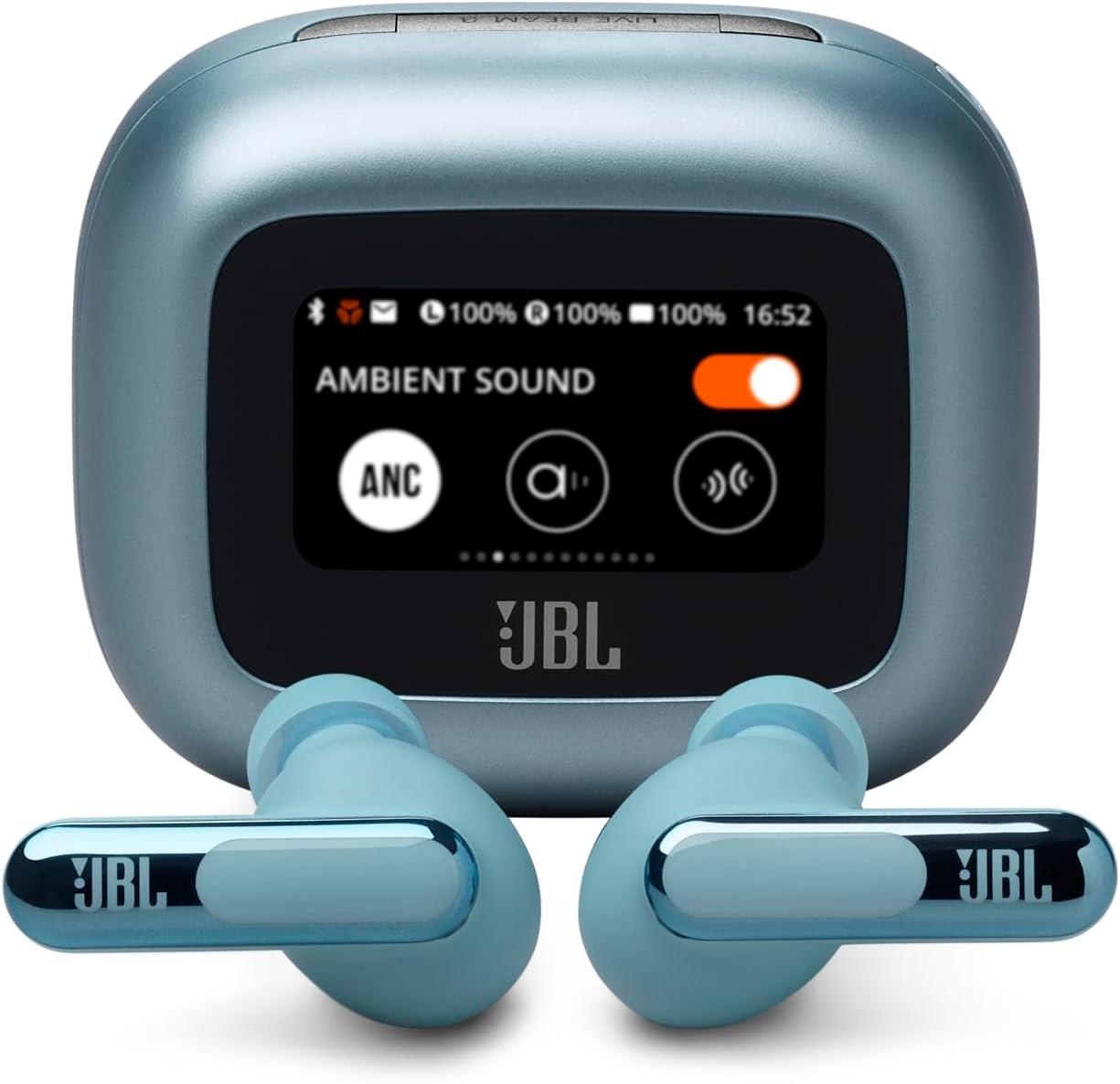
The JBL Live Beam 3 puts a 1.45-inch touchscreen on the back of its charging case, letting you adjust volume, EQ, spatial sound, and noise-cancelling modes without ever picking up a phone. JBL markets this Smart Charging Case as the defining feature of the stick-closed true wireless earbuds, and the verdict below focuses on whether that screen actually earns its place in your pocket or just adds grams you will forget about after a week.
The earbuds themselves carry 10mm dynamic drivers, six call microphones, adaptive noise cancelling with four dedicated sensors, and a 48-hour total battery claim. The case screen is where JBL separates the Live Beam 3 from its own Tour Pro lineage and from rivals that keep every setting locked behind a phone app. Here is whether the promise holds up in daily use.
What Makes It Different
Most true wireless cases are passive boxes: you open them, the buds pair, and all settings live on your phone. The Live Beam 3’s case replaces that flow with a 1.45-inch display on the lid that handles play and pause, volume, EQ presets, spatial sound toggles, ANC and ambient-mode switching, message previews, and even a flashlight function. You can walk up to a laptop, a TV, or a tablet, open the case, and change every sound setting without opening the JBL app on a phone.
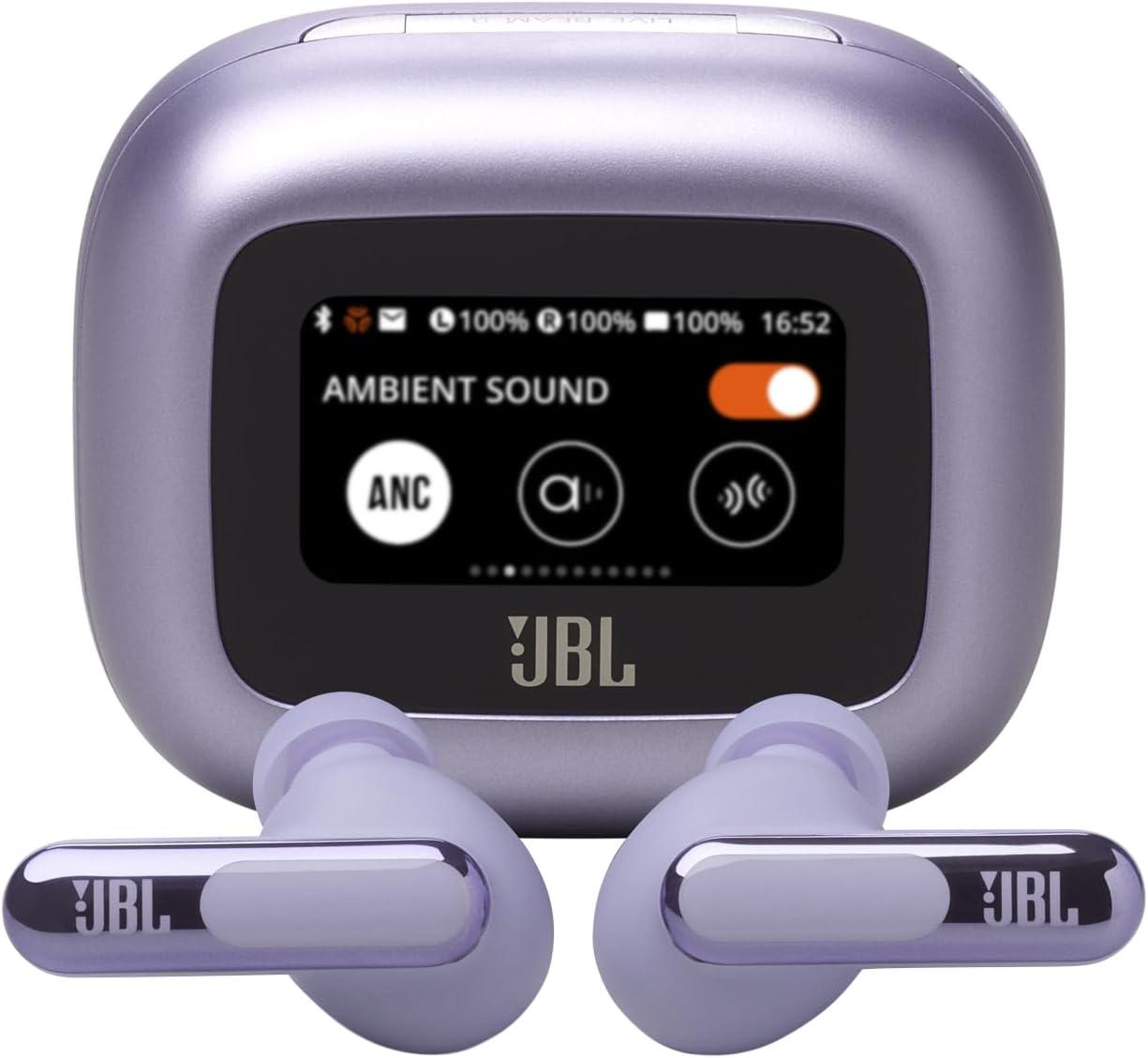
That convenience matters for a specific buyer. If your listening setup shifts between a desktop PC, a TV, and a phone throughout the day, hunting for the right device to open an app is a small friction that compounds. The case screen removes that step. JBL includes a lanyard loop on the case, so the display sits at a glance-able height when you clip the case to a bag strap.
The trade-off is size. A touchscreen case is physically larger and heavier than a plain hinged case, and one owner noted the screen can accidentally trigger track-skip or pause when you grab the case. For someone who primarily uses the buds at a desk and rarely needs to re-tune settings mid-session, the screen adds bulk for a convenience they will use sparingly.
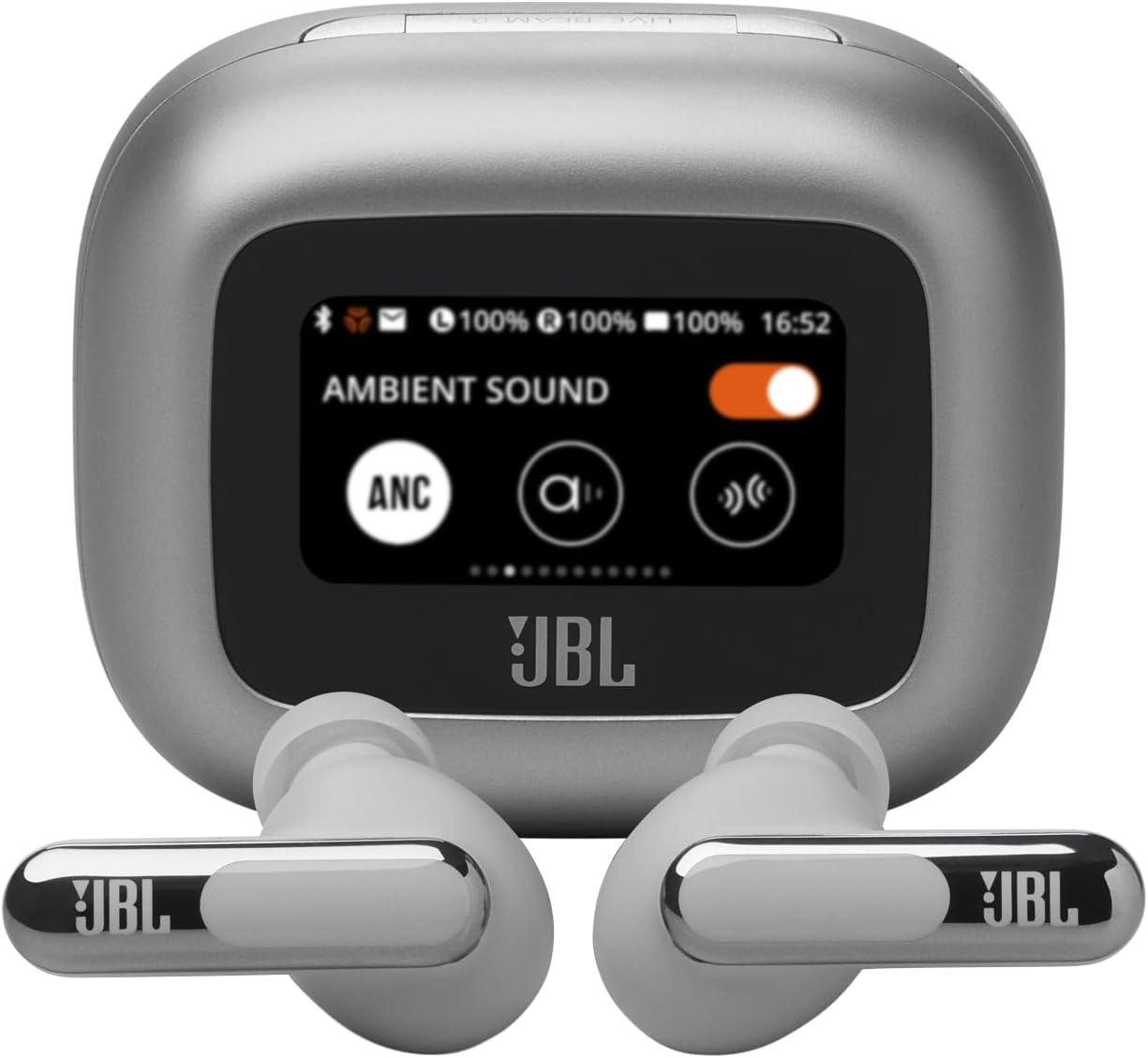
The Touchscreen Charging Case Under the Hood
The display sits on the lid of the Smart Charging Case and is the only hardware control surface on the product. From it you can toggle between ANC and ambient sound modes, cycle through EQ and spatial sound settings, adjust volume, skip tracks, answer and end calls, and view incoming messages. JBL adds a flashlight mode that floods the screen with white light, useful in a dark gym or parking garage. The brightness is adjustable; one reviewer found the lowest setting comfortable in normal lighting but required the highest setting under bright sunlight.
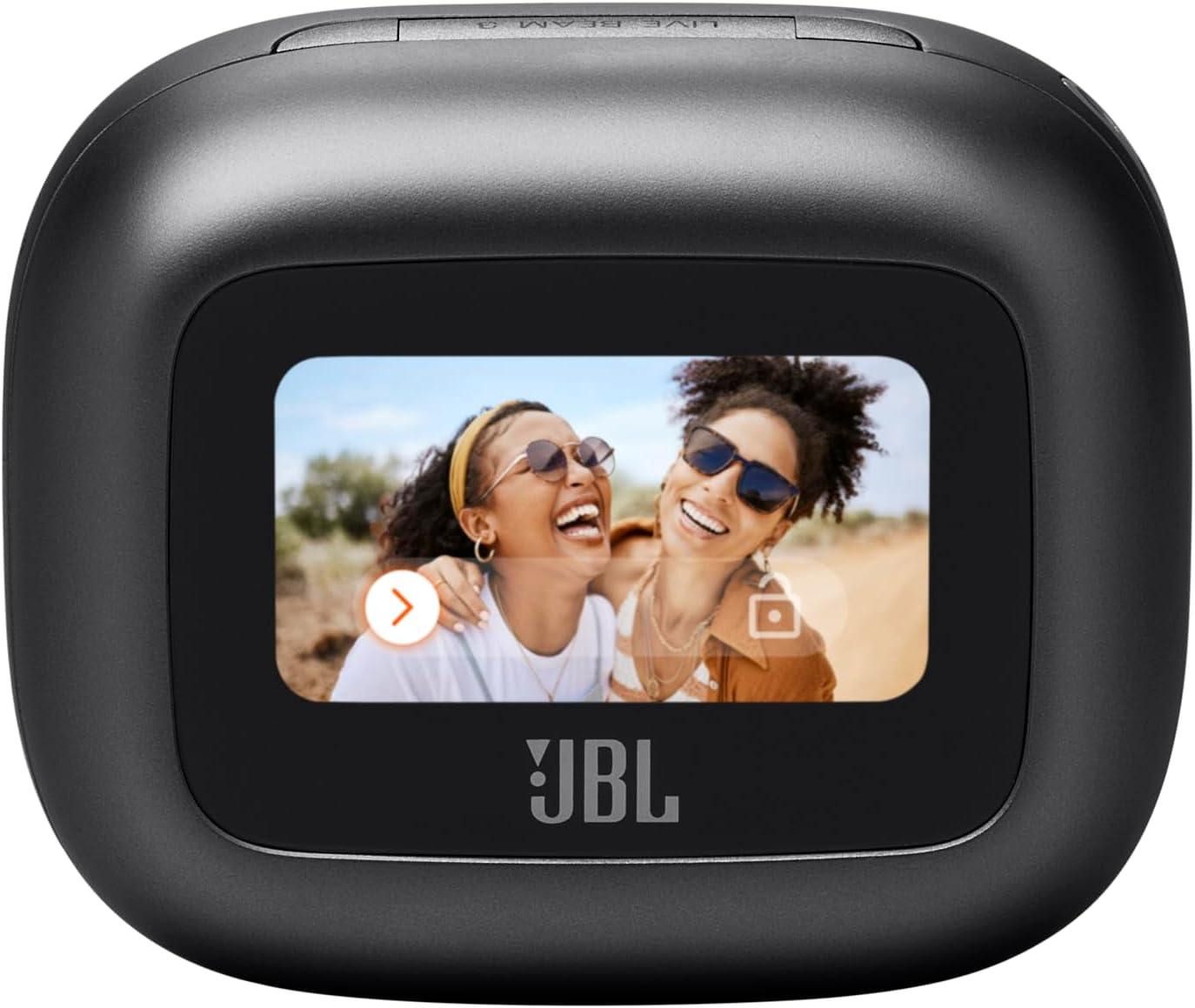
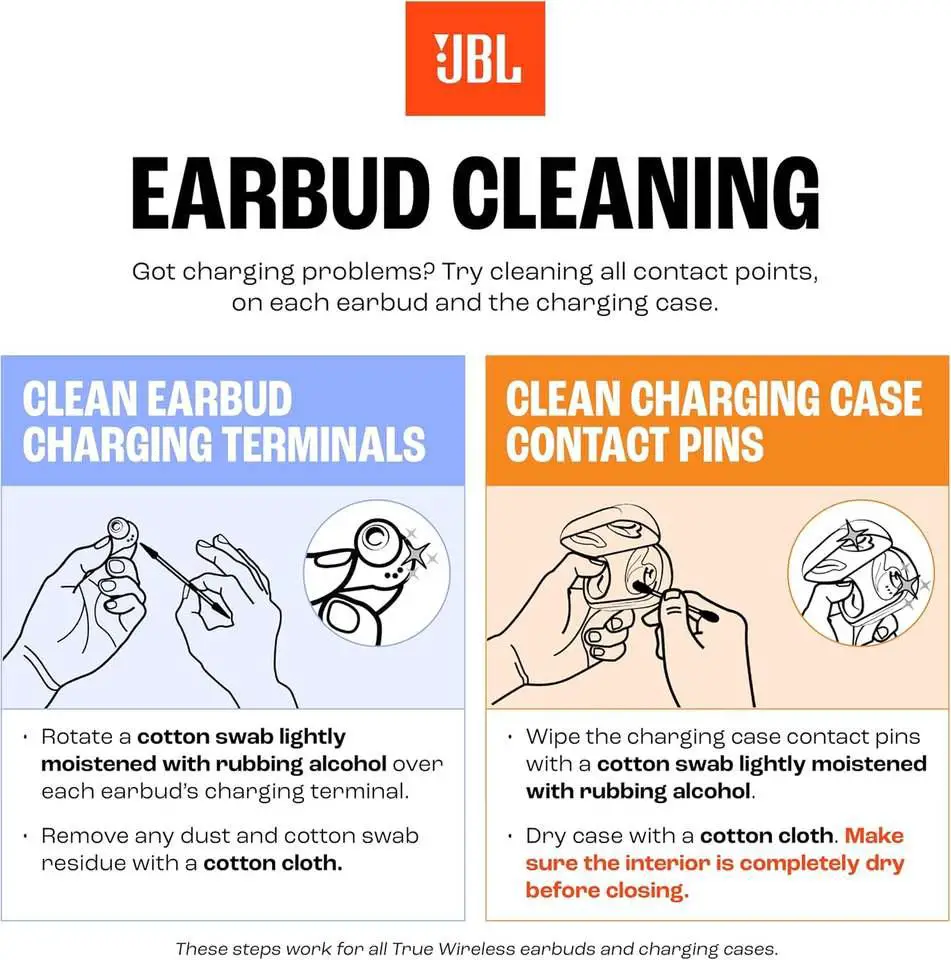
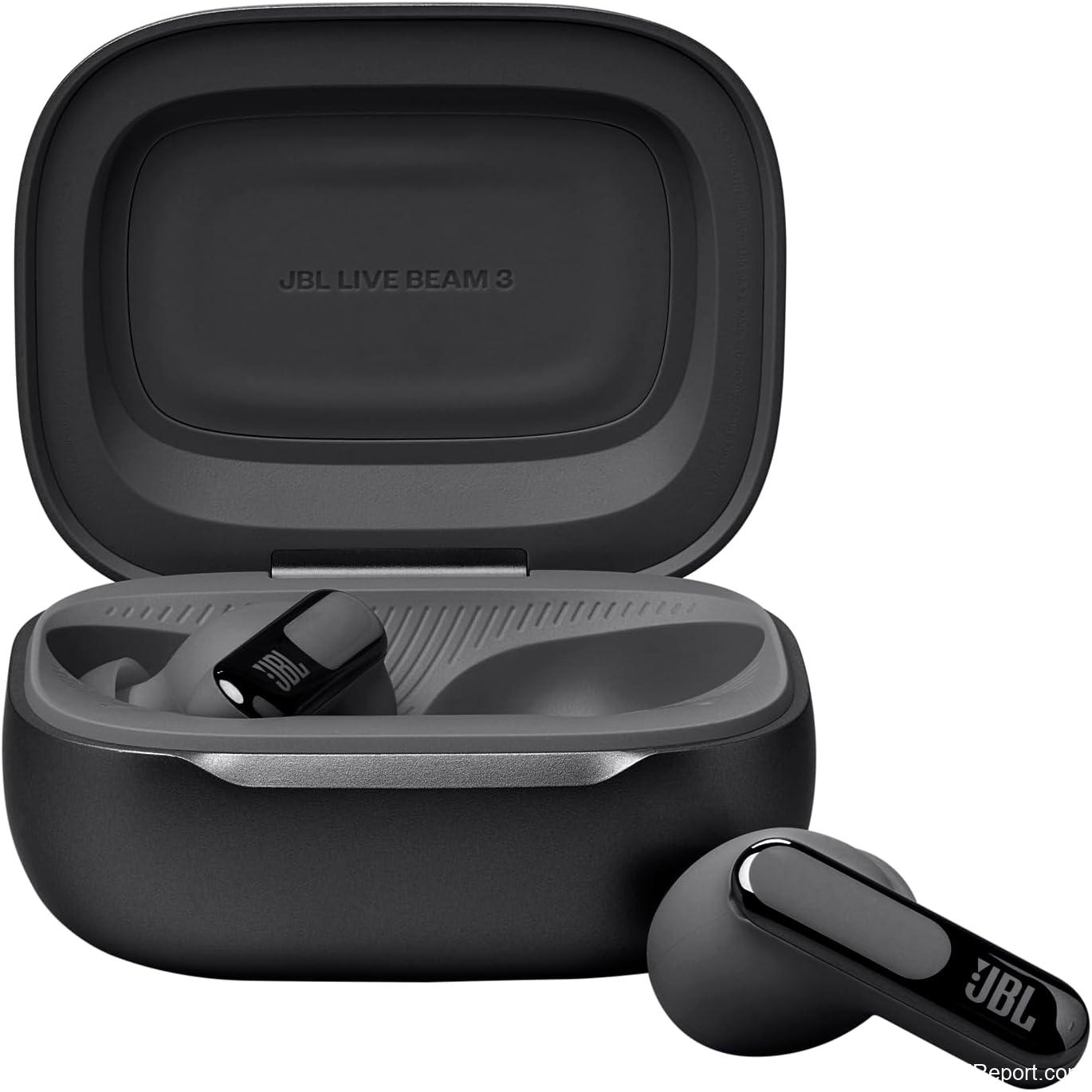
The case holds the buds flat rather than in a vertical well, a layout JBL redesigned from the Tour Pro line. One long-term user described the fit of the buds in the case as more stable than earlier JBL cases. Out of the box, JBL pushes a firmware update to both the case and the buds, a process one reviewer timed at 5 to 10 minutes, slower than most. The case accepts one custom lockscreen photo at a time; swapping to a new image requires re-uploading, which takes about a minute.
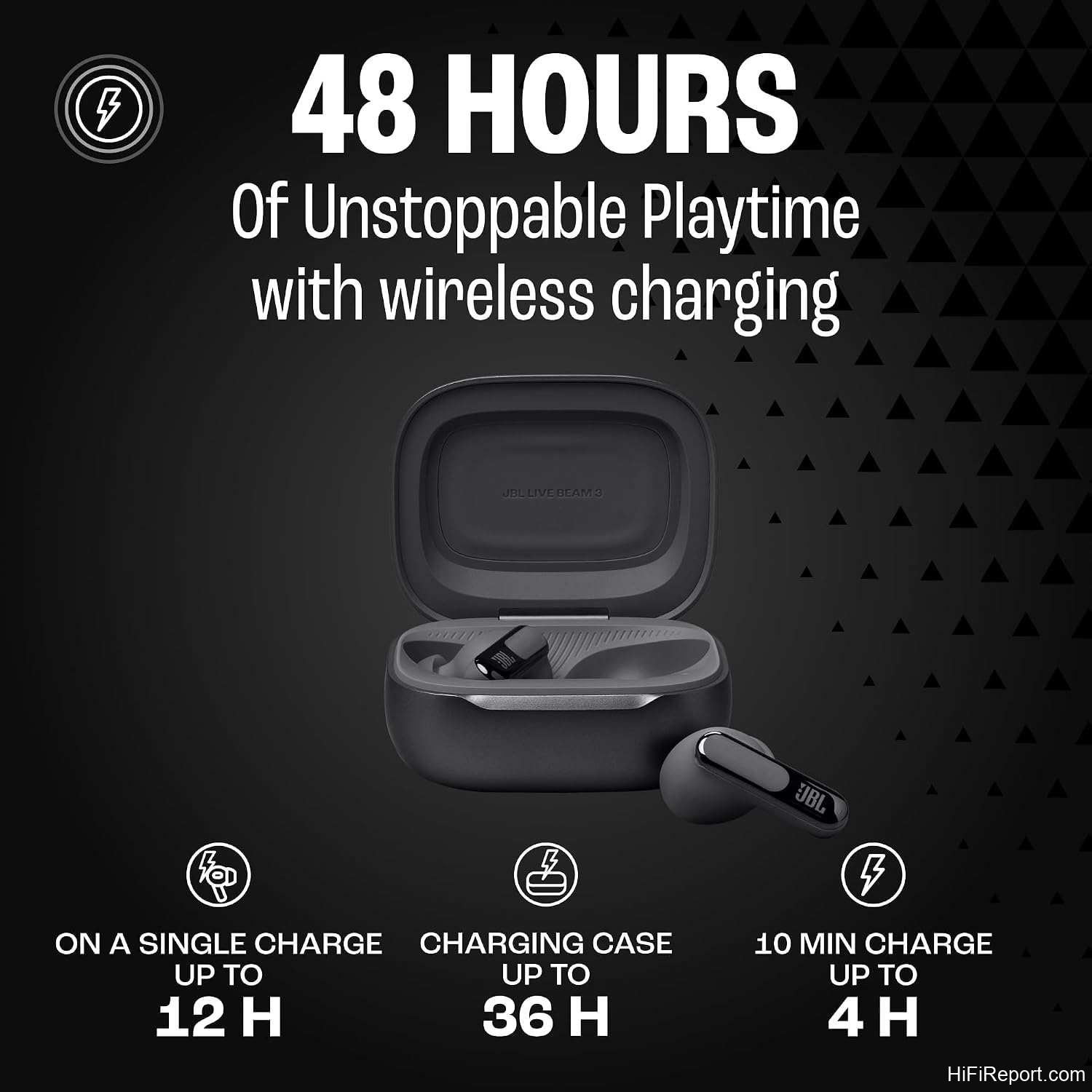
The case supports both USB-C wired charging and Qi wireless charging. JBL states that 10 minutes on a USB-C cable restores enough charge for four hours of playback. The case battery, per one owner’s real-world test, lasts two to three days of regular use with the screen active. The lanyard loop on the case lets you hang it from a strap or hook, keeping the screen at a convenient height.
Audio Check
The JBL Live Beam 3 delivers a full, bright, and bass-forward sound through its 10mm dynamic drivers tuned to JBL Signature Sound, and the most consistent owner report across 930 reviews is that the low end and mids carry a level of detail that outperforms the closest JBL sibling, the Tour 2. Hi-Res Audio Wireless certification and JBL Spatial Sound round out the signal chain, with the spatial feature creating a room-sized sense of width that one reviewer compared to sitting at a concert.
Owners who dialed in the built-in equalizer and the five-minute hearing test report clear separation between instruments and a top end that stays refined even at higher volumes. One audiophile-leaning reviewer called the sound “full, clear, and bright” and said the buds made a wider spectrum audible than most competitors in the class. The spatial sound feature offers three modes: Music, Video, and Game. One user kept it on Music because the Video mode introduced noticeable echo on dialogue, and found the Music mode the most convincing for long-form listening.
Call quality gets six beamforming microphones that filter wind and ambient noise. Multiple owners described their voice on calls as crisp and intelligible even in noisy environments. One reviewer compared side-by-side with a friend’s Bose QuietComfort headphones and found the JBL call clarity noticeably superior, describing the competitor’s output as muffled and quiet. The JBL app adds a voice equalizer and a voice-level optimizer so you can shape how you sound to the other party and how loudly their voice comes through to you.
This review first appeared on hifireport.com. Reproduction without permission is not allowed.
Beyond the Headline
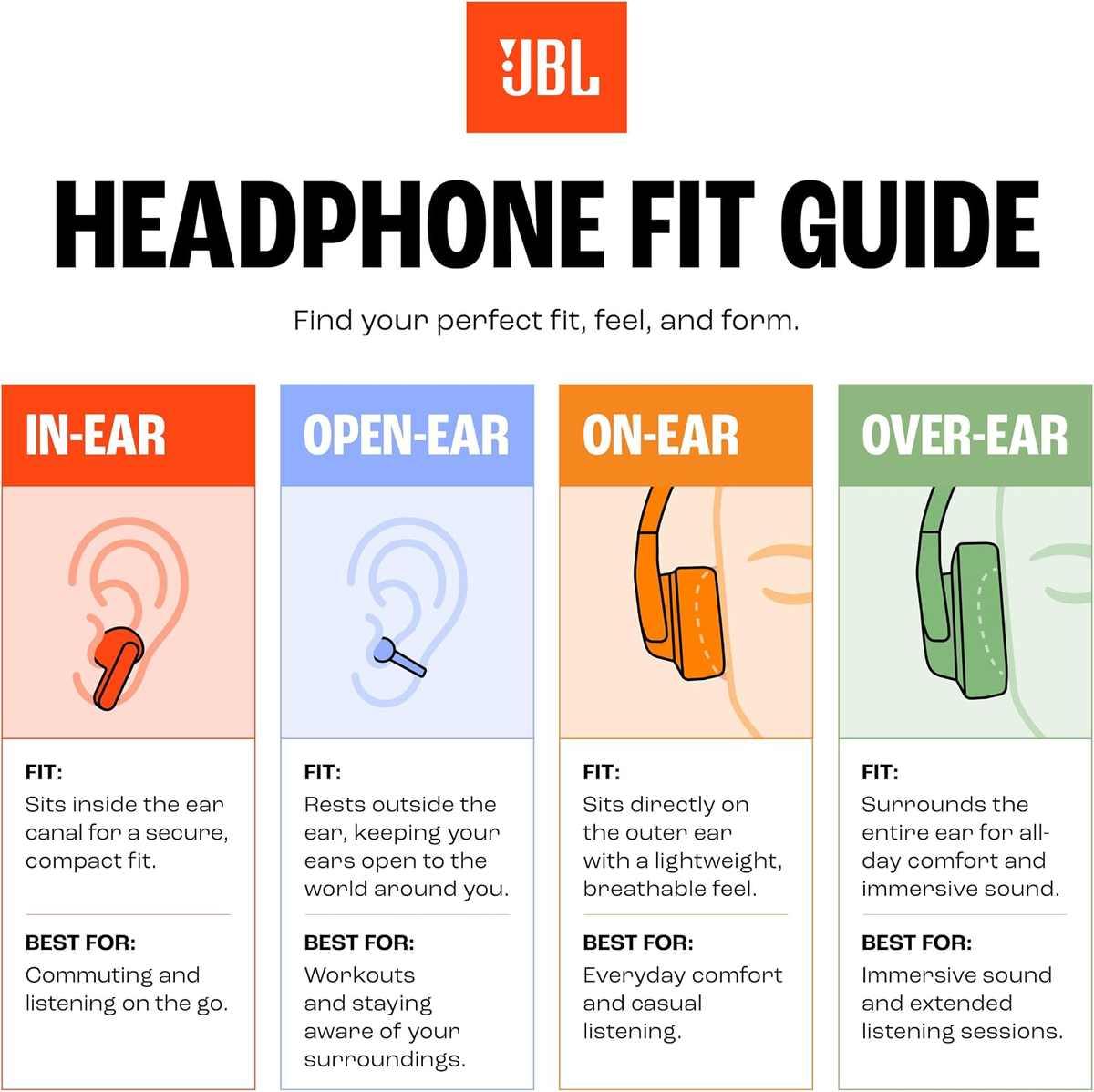
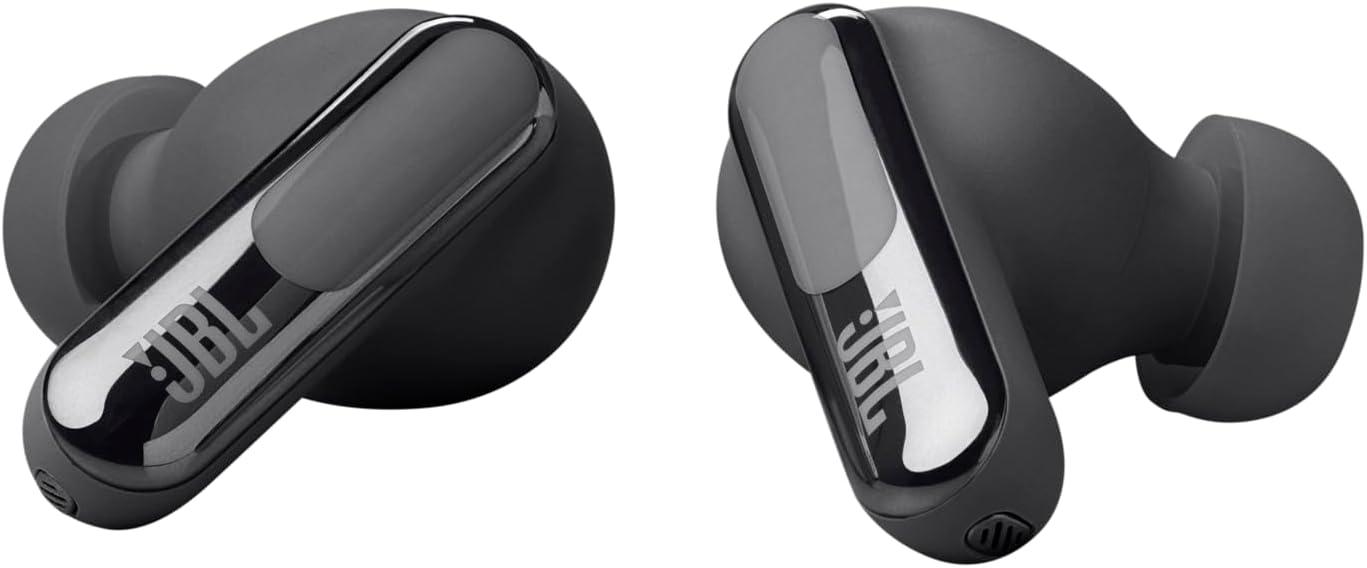
Design and comfort: the Live Beam 3 uses a stick-closed shape, meaning each bud has both an in-ear dome and an outward-facing stem. Owners consistently call the fit the most stable they have had from any true wireless pair, including wired earbuds from earlier in their rotation. The buds sit solidly with medium or small silicone tips, though one reviewer noted they do not sit as flush against the ear canal and protrude slightly more than desired. IP55 water and dust resistance covers splashes and sweat. The buds are described as lightweight and comfortable for all-day wear.
Battery: JBL’s published figure is 12 hours in the buds plus 36 hours in the case, for 48 total with ANC off. One owner ran the buds from 10 a.m. to 7 p.m. with awareness mode and other features active and still had 41 percent charge remaining, roughly nine hours of use. Quick-charge specs say 10 minutes over USB-C buys four hours. The case itself, with its usually-on touchscreen, drains faster than a passive case; one user logged two to three days between full charges under normal use.
App and connectivity: the JBL Headphones App handles the deeper tuning that the case screen cannot, including the adaptive ANC filter that maps to your ear canal’s shape via the four noise-sensing microphones and the Personal Sound Amplification profiles. Multi-point connection lets the buds hold two devices at once, so a phone call can interrupt a desktop session without manual switching. One reviewer confirmed stable pairing to a computer and phone simultaneously with no dropped reception.
Real-World Use
At a desk, the Live Beam 3 earns its keep through the six-microphone call array and multi-point connection. One office user reported four hours of talk time per charge and described call clarity and noise cancellation as the standout for video meetings, with no dropped reception when switching between a PC and a phone. The case screen lets you answer a call or adjust the ambient level without reaching for a device under the desk.
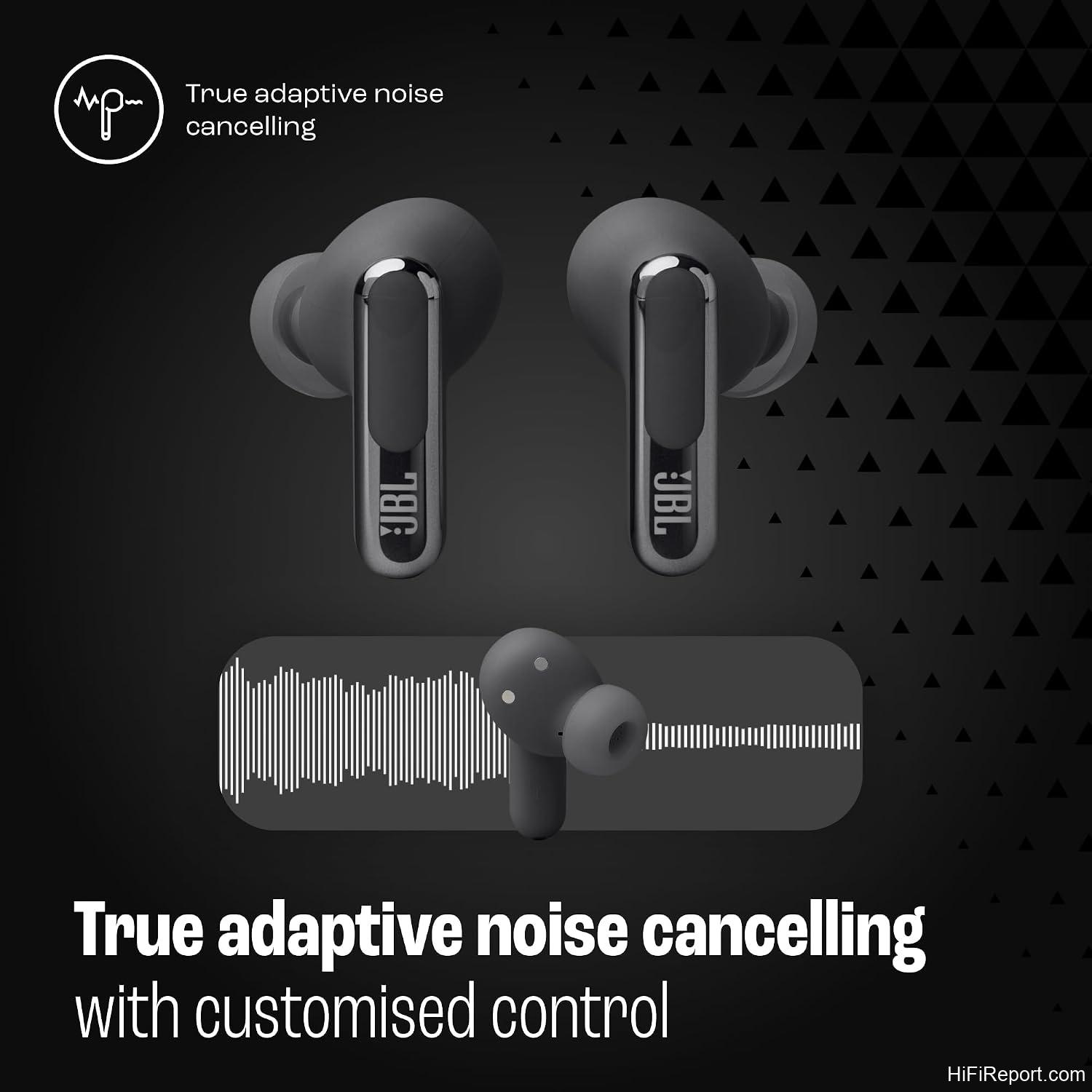
On a commute or while walking the dog, the adaptive ANC with four noise-sensing mics adjusts to surrounding sound in real time, and the ambient mode’s volume is adjustable so you can keep the buds in while still hearing a colleague or a child call out. One owner who runs ambient mode for daily errands called the adjustable ambient level a genuine improvement over fixed transparency modes on older earbuds. The Smart Talk feature, which automatically ducks music volume when it detects a voice, is where the experience stumbles: one reviewer kept it off permanently because a YouTube video dropping to near-silent for five seconds mid-listen broke the flow.
This review first appeared on hifireport.com. Reproduction without permission is not allowed.
Customer Feedback
The headline claim, that the touchscreen case makes the Live Beam 3 more convenient than its competitors, lands in the majority of owner reports. Users who upgraded from JBL Tune 230NC or Soundcore Liberty 4 called the case display a “game-changer” and said the flat-orientation case held the buds more securely. Several reviewers confirmed they changed EQ, toggled spatial sound, and answered calls entirely from the case without touching a phone. The aggregate rating of 4 out of 5 across 930 reviews supports the idea that the feature works as advertised for most buyers.
The counterweight is durability. One owner who had the buds for about a year reported the case screen stopped working entirely after roughly seven months, the right bud developed a rattle, audio output dropped, and the buds intermittently failed to charge. Another reviewer received a unit that, within one month, showed one earbud charging incorrectly and producing noticeably lower volume than its pair. These are not universal reports, but they flag a reliability question the touchscreen design makes more visible: if the screen dies, the case reverts to a plain box and the differentiating feature disappears.
Software reliability draws the sharpest criticism. One reviewer, a professional software developer and electrical engineer, described the Android companion app as failing to locate the buds roughly half the time, with no combination of closing and reopening the app or the case resolving the issue. Tap-to-control on the buds themselves was described as working only half the time. Against that, a large group of owners found the app stable and praised the five-minute hearing test and the granular ANC adjustment it unlocks. The experience appears to vary by Android device and app version.
The Smart Talk feature, which auto-detects speech and drops music volume for a set period, generated the most negative single-feature feedback. Two reviewers independently recommended turning it off at first setup, and one called it the only feature he “really hates” on an otherwise excellent pair of buds.
Strengths and Weaknesses
Strengths:
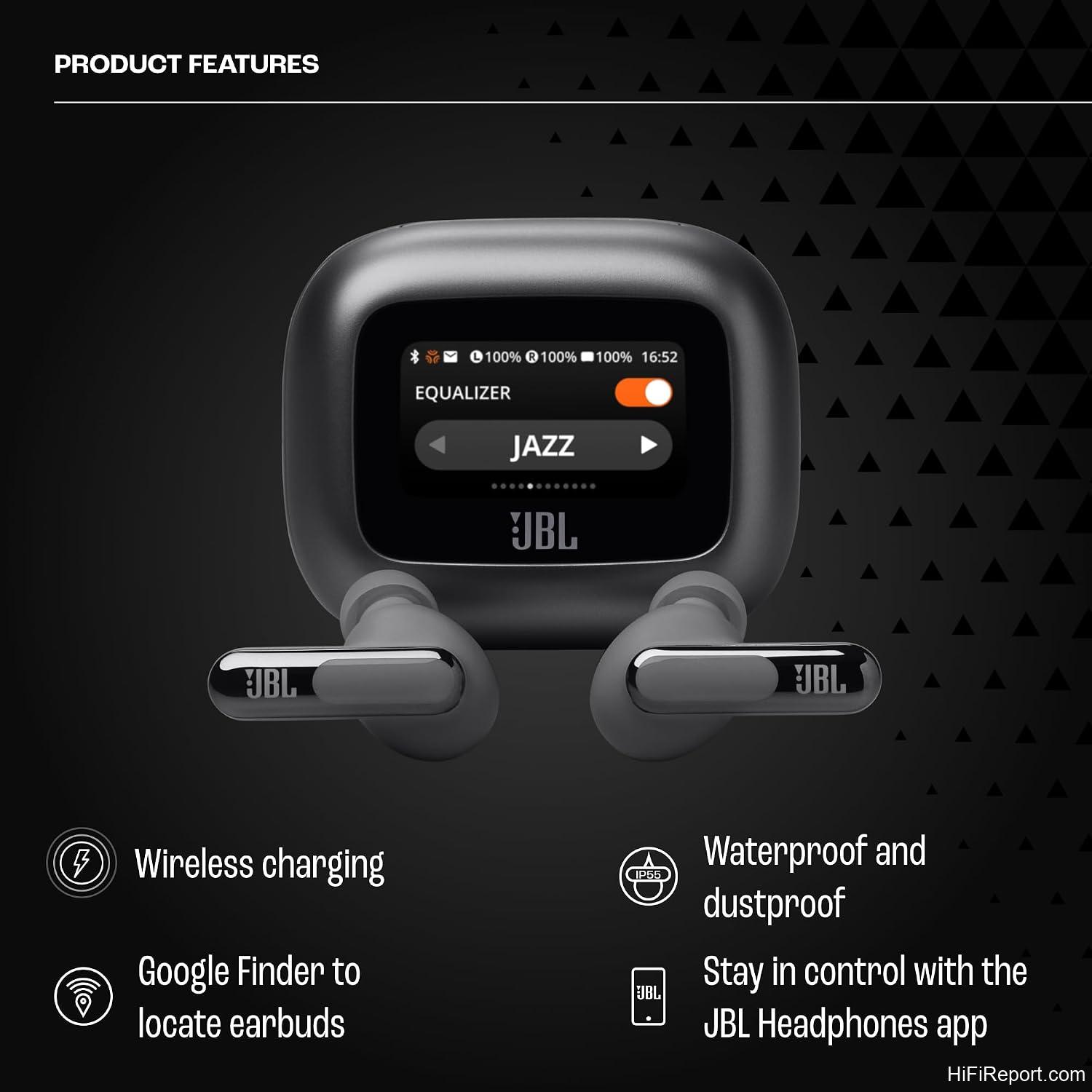
- 1.45-inch case screen gives full control over EQ, spatial sound, ANC, calls, and messages without a phone
- Stick-closed fit rated the most stable among owners who tried multiple brands
- 48-hour total battery (12 h buds + 36 h case, ANC off) with 10-minute quick charge
- Six-mic call array consistently described as crisp in noisy settings
- Adjustable ambient mode and five-minute hearing test add genuine personalization
Weaknesses:
- Case screen can fail; one long-term report of total screen failure at seven months
- Android app connectivity reported as unreliable by at least one owner; tap controls intermittent
- Smart Talk feature interrupts playback and is best disabled immediately
- Buds sit slightly proud of the earline; not as flush as a pure in-ear design
- No built-in way to locate the charging case from the app
Bottom Line
The touchscreen charging case is the reason to choose the Live Beam 3 over the otherwise similar JBL Tour Pro 3 or a Bose QuietComfort set: it puts every major sound setting on a surface you can see and tap while the buds sit in your ears, and it works across laptops, TVs, phones, and tablets without an app dependency. If your day involves switching between a desk PC and a phone, or you want to answer a call and adjust ambient level at the kitchen counter without reaching for a phone, the feature earns its extra bulk.
Best for multi-device listeners who want quick, glance-able control over spatial sound, EQ, and ANC without opening a phone; look elsewhere if you prioritize the smallest possible case, need a pure in-ear flush fit, or want a software experience with zero connectivity hiccups, because the app-layer issues reported by owners will still sit under the screen no matter how convenient the case is.
Key Specs
- Drivers: 10mm dynamic, JBL Signature Sound tuning
- Total battery (ANC off): 12 hours buds + 36 hours case = 48 hours
- Quick charge: 10 min USB-C = 4 hours playback
- Case charging: USB-C and Qi wireless
- Call mics: 6 beamforming microphones
- ANC mics: 4 noise-sensing microphones
- Case display: 1.45-inch touchscreen
- Water/dust resistance: IP55
- Audio: Hi-Res Audio Wireless, JBL Spatial Sound (Music, Video, Game)
- Connectivity: Multi-point (two devices simultaneously)
FAQ
Does the case screen replace the JBL app entirely?
No. The case screen covers playback, volume, EQ presets, spatial sound, ANC and ambient toggle, calls, and messages. Deeper tuning, including the adaptive ANC ear-canal filter and Personal Sound Amplification profiles, still lives in the JBL Headphones App.
How does the fit compare to other JBL true wireless buds?
The stick-closed shape gives the Live Beam 3 a more stable seal than the Tour 2 or Tune 230NC per multiple owners, who described it as the most secure fit they have had from any in-ear pair. The trade-off is that the stem sits slightly further out from the earline than a pure dome design.
Is the adaptive noise cancelling fully automatic?
The four noise-sensing mics adjust ANC level in real time without user input. The JBL app adds an audio compensation filter that maps to your specific ear canal shape, and the case screen lets you flip between full ANC and ambient mode at any moment.
What should I do about the Smart Talk feature right out of the box?
Turn it off. The feature detects a voice and drops music volume for several seconds, which multiple owners found disruptive during video playback. Ambient mode already handles the “I need to hear someone talking” case with adjustable volume, making Smart Talk redundant and annoying.

- Hi-Res Audio Wireless with JBL signature sound
- The JBL Live Beam 3's 10mm dynamic drivers are powered by JBL Signature Sound. Each driver is perfectly tuned to deliver deep bass, balanced mid-range, and refined high frequencies—all at any volume level. JBL Spatial Sound makes you feel like you're at a concert as the sound comes from virtually everywhere around you.
- Convenient Smart Charging Case for app-free control