
Optoma UHD35+ Comprehensive Review
For gamers, the go-to display devices used to be either televisions or professional gaming monitors. Very few people considered using a projector for gaming. However, modern video games feature increasingly refined visuals. Some blockbuster titles are even produced with the same meticulous attention to detail as films, employing high-specification image processing techniques to create incredibly realistic CG visuals, often accompanied by soundtracks crafted by top Hollywood teams.
Wouldn’t experiencing these games on a projector’s ultra-large screen be far more immersive? So, why do many players steadfastly refuse to game with a projector?
Addressing the Input Lag Challenge
The primary reason boils down to input lag performance, which projectors historically couldn’t match compared to TVs or monitors. As we know, in gaming, input lag is the critical specification determining whether player commands and on-screen actions are synchronized. Home projectors are primarily designed for movie viewing, emphasizing picture quality and color performance.

Because image processing chips in projectors need to perform more optimization steps for quality and color, the time it takes for a command from a game controller to translate into an on-screen action is naturally longer. This is why projector input lag has traditionally been much higher than that of professional gaming monitors.
Nevertheless, in recent years, projector manufacturers have been striving to minimize input lag. The most common method involves reducing some of the picture quality and color processing tasks performed by the image processing chip under specific image modes (typically Game or PC modes) to improve the input lag rate. Over the past two years, projectors marketed for gaming achieving an input lag of 15ms was considered quite good.

Generally, gaming on such projectors resulted in acceptable command-to-action synchronization. However, this year, Optoma has shattered that specification barrier. Their new gaming projector, the UHD35+, not only boasts a 240Hz refresh rate but also drastically reduces input lag to a mere 4.2ms. This means that all friends who love gaming on a big screen can now enjoy ideal, near-zero-lag gaming control quality through a projector’s massive display.
Building upon the UHD50X’s 240Hz refresh rate technology, Optoma’s latest gaming projector, the UHD35+, significantly enhances input lag performance. When handling input signals of 4K/60Hz, 1080p/60Hz, 1080p/120Hz, and 1080p/240Hz, the input lag rates are 16.7ms, 16.7ms, 8.9ms, and 4.2ms respectively.
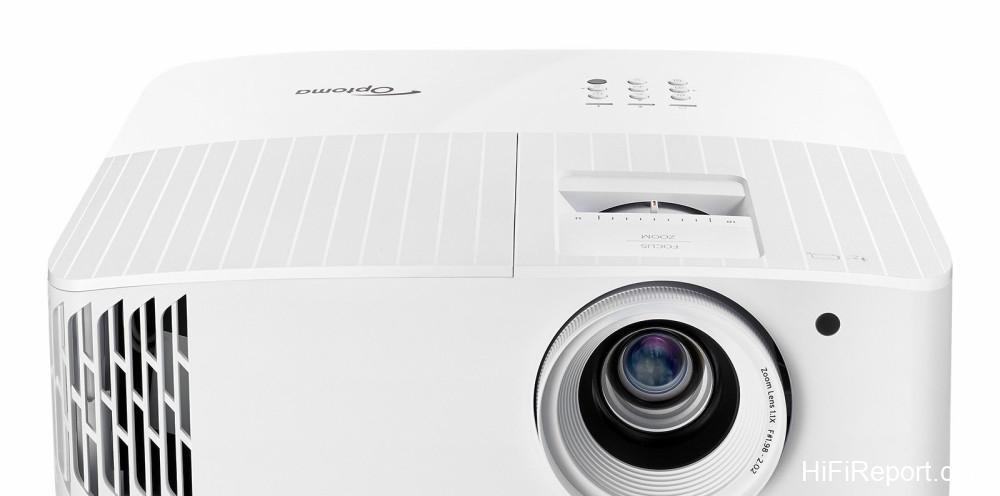
This means that when you connect a game console and game at 1080p/240Hz, the projector can achieve perfect synchronization between the controller and on-screen action thanks to its ultra-low 4.2ms input lag. Compared to the UHD50X’s 15.7ms, this represents a significant improvement in input lag capability.
Enhanced Picture Quality Features
In addition to improved input lag performance, the UHD35+ also surpasses the UHD50X in brightness and contrast. It features a light output of 4,000 ANSI lumens and a dynamic contrast ratio of 1,200,000:1. This means you can generally see clear image details and color information even in environments where blackout isn’t completely achieved. Like most good modern home multimedia projectors, the UHD35+ also incorporates a dynamic iris.

When projecting, it automatically controls the lamp’s light output and adjusts for optimal grayscale effects based on changes in dark scenes on the screen. Furthermore, this unit features DLP BrilliantColor technology, which utilizes color processing algorithms and system enhancements to simultaneously boost screen brightness by 50% and enhance color performance.
In terms of HDR specifications, the UHD35+ supports both HDR10 and HLG formats, just like the UHD50X. Whether playing 4K Blu-rays, video games, or watching 4K HDR content on YouTube, BBC, or NHK, the UHD35+ will automatically switch to the corresponding HDR mode during playback.
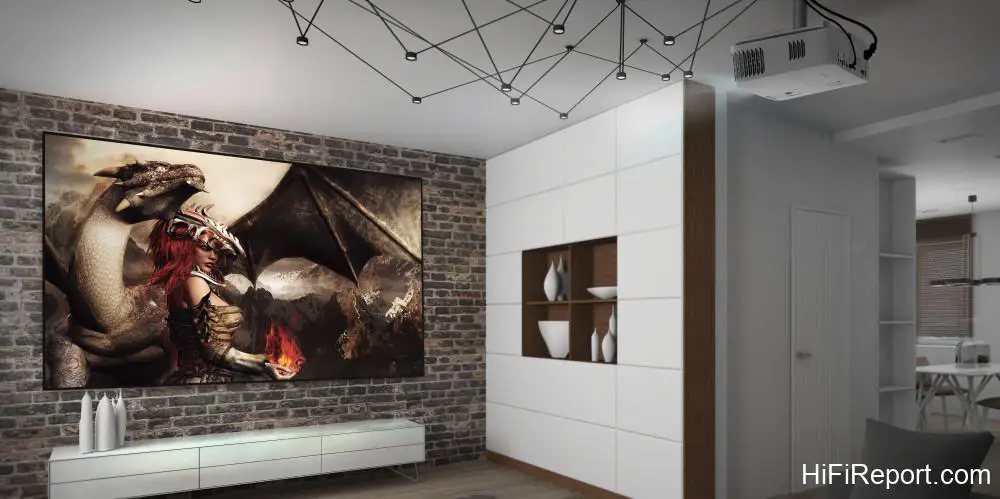
When the image mode automatically switches to HDR, you can further fine-tune the HDR/HLG image mode and effect intensity parameters via the HDR dynamic range menu, adjusting the color gradients and bright detail information to match your visual preference.
Easy Setup & 3D Projection
Regarding adjustment features, while the UHD35+ doesn’t have lens shift like the UHD50X, you can quickly achieve a correctly proportioned 100-inch or 120-inch image within 3.32 meters or 3.98 meters using features like 1.1x manual zoom, 95% to 125% digital zoom, ±40° horizontal/vertical keystone correction, and four-corner correction.
Additionally, to make the projector more versatile for various projection environments, the UHD35+ also includes 6 wall color modes, allowing you to project consistent color accuracy onto walls of different paint colors.
The 3D projection feature found on the UHD50X is also supported by the UHD35+. It can handle 3D sources and technologies like BD, PC, and DLP-Link. In the 3D mode within the image settings, it will automatically boost screen brightness and contrast. The UHD35+ also offers ISF calibration functionality, allowing you to save three sets of calibrated settings for Day, Night, and 3D viewing.
Picture Performance
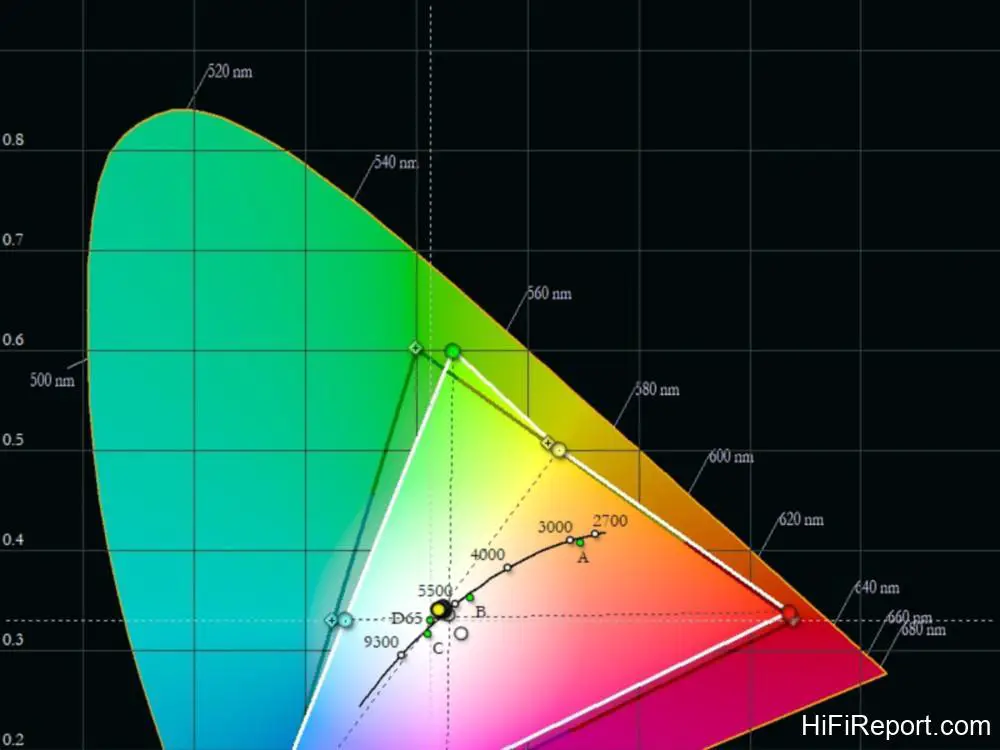
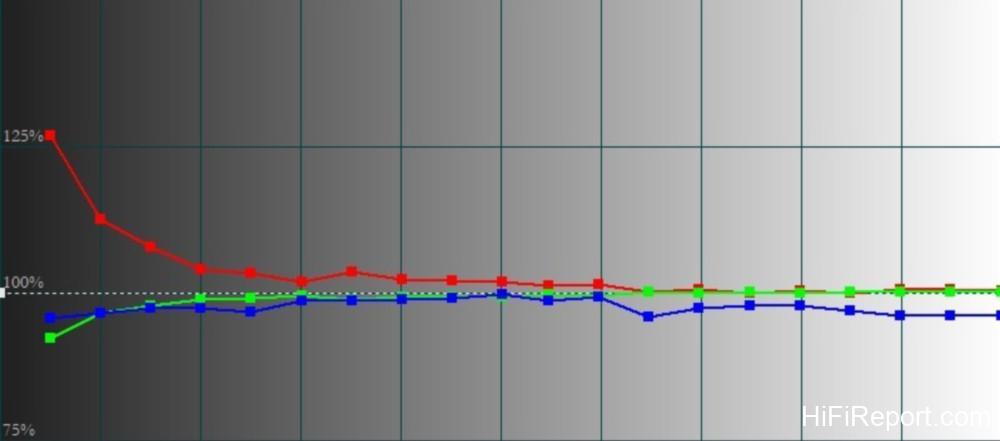
The image performance of the UHD35+ continues the traditional tone of Optoma’s 4K projectors: a slightly warm color temperature complemented by saturated colors, maximizing the solid imaging effect of DLP technology. Projecting a full 120-inch screen, I saw a very realistic sense of presence.
For instance, when watching movies, the true 4K resolution not only renders delicate details in character features, clothing, and accessories but also creates excellent three-dimensional depth with clear tonal separation and smooth color gradients. Coupled with the warm, slightly lower color temperature, the images appear naturally substantial and weighted.

This has always been a hallmark of Optoma projectors: high-density, solid imaging, well-defined contrast, and saturated colors with smooth gradients, which bring a powerful visual appeal to movie watching, winning favor with many DLP projector enthusiasts. In Cinema mode on the UHD35+, the internal optical engine specifically focuses the light pulse onto the red segment of the color wheel to enhance warm color performance.
Therefore, when using Cinema mode, you can see more accurate skin tones and achieve a more saturated effect in red and yellow colors.

Gaming Experience
Using the UHD35+ merely for watching movies would be like buying a Lamborghini just to drive it to the grocery store – it’s a complete waste if you don’t use it for gaming. I used this projector’s Game mode to play a famous PS4 blockbuster from last year: Ghost of Tsushima. The visual impact of playing on a 120-inch screen is truly remarkable.
The colossal scale of the environments and characters, combined with powerful CG image processing, felt fundamentally like controlling a samurai movie – utterly exhilarating.

The 240Hz dynamic image processing performance was also outstanding in practice. It maintained excellent image clarity for fast-moving objects. For example, when a warhorse galloped across the reed fields, the horse’s body didn’t show disjointed motion blur, and its equipment was clearly discernible. During combat between Jin Sakai and Mongol soldiers, amidst battle scenes teeming with complex information, everything remained crystal clear.
The different stances and finishing moves, archery shots, and close-range kunai throws were executed swiftly after issuing commands on the controller. The 4.2ms input lag delivered impressively synchronized control performance.
One thing to note when gaming in Game mode is that the projector simplifies many image and color optimization procedures to reduce input lag. Consequently, the factory default color saturation, contrast performance, and grayscale layering in Game mode will be slightly less pronounced than in Cinema mode. However, there’s no need to worry; the image menu provides numerous fine-tuning functions for brightness, contrast, and color, allowing you to adjust the picture to your preferred aesthetic.
Overall, the UHD35+ is a multimedia projector suitable for watching movies, but even *more* suitable for gaming. Compared to many similar products, it boasts powerful dynamic processing technology. Both its 240Hz refresh rate and 4.2ms input lag currently stand among the industry’s best specifications. For friends who want to fully enjoy gaming on a 100-inch screen at home, the Optoma UHD35+ would be your top projector choice in 2021.
Specifications
* Type: 4K DLP Projector
* Display Technology: Texas Instruments DLP XPR Technology
* Resolution: 3840 × 2160
* Aspect Ratio: 16:9
* Light Output: 4,000 ANSI Lumens
* Contrast Ratio: 1,200,000:1
* Light Source Life: 4,000 / 10,000 / 15,000 hours (Bright / Standard / Dynamic)
* Lens: F#1.98~2.02, f15.84~17.44mm
* Zoom: 1.1x Manual
* Projection Size: 33~300 inches
* Video Inputs: HDMI 2.0 × 2, VGA In × 1, Audio In × 1, USB 2.0 × 1, RS-232C × 1, Audio Out 3.5mm × 1, S/PDIF Out × 1, 12V Trigger × 1
* Speaker: 10W
* Noise Level: 26dB
* Dimensions: 315 × 270 × 115mm (WHD)
* Weight: 4.2 ± 0.2kg