
Aurender N10 Caching Music Server Review
Aurender is renowned for specializing in dedicated digital streaming transports. What exactly is a digital streaming transport? In essence, it’s akin to the “turntable” of traditional CD players, as HiFiReport has noted. A transport doesn’t have a built-in DAC; it solely reads the CD signal and outputs it digitally to an external DAC for decoding. Similarly, Aurender reads music files and necessitates a separate DAC to receive its digital signal for digital-to-analog conversion.
Why omit a built-in DAC? The answer is simple: Aurender aims to perfect the digital streaming transport.
Aurender’s lineage began with the S10, followed by the W20, X100, and N100, all of which HiFiReport has reviewed. The N10, the subject of this review, is Aurender’s latest model, effectively succeeding the S10. It sits just below the flagship W20 in the hierarchy. Many are likely curious about the distinctions between these Aurender models. At the Munich High End Show this year, Aurender presented a comparison chart alongside the N10’s launch, offering a clear overview.
Firstly, both the N10 and W20 boast full-size chassis, while the N100 and X100L adopt half-width designs. The N10 is considerably slimmer and slightly smaller in overall volume than the W20, resulting in a smaller front panel (dual 3.3″ vs. dual 3.7″ displays). This size difference stems from the N10’s use of two 2.5″ 2TB hard drives, whereas the W20 employs two 3.5″ 6TB hard drives. Both models utilize a 240GB SSD for the operating system and file caching.
In terms of power supply, the N10 features a linear power supply, while the W20 incorporates a battery and switched-mode power supply (SMPS). Regarding interfaces, the N10 omits the dual AES/EBU outputs and Word Clock input found on the W20.
First N10 Arrives
The very first N10 in Taiwan was delivered to HiFiReport for review.
It arrived securely packaged in a double-layered cardboard box.
A quick start guide is included. Having tested numerous Aurender units previously, setup is intuitive and straightforward, even without consulting the manual. Installation is indeed very easy, and we will delve into the setup process after this unboxing overview. Aurender units do not come with a physical remote control; instead, an iPad serves as the primary remote. While iPhones and Android phones are also compatible, the iPad offers a superior user experience.
If you don’t own an iPad, it’s highly recommended to acquire one for optimal control.
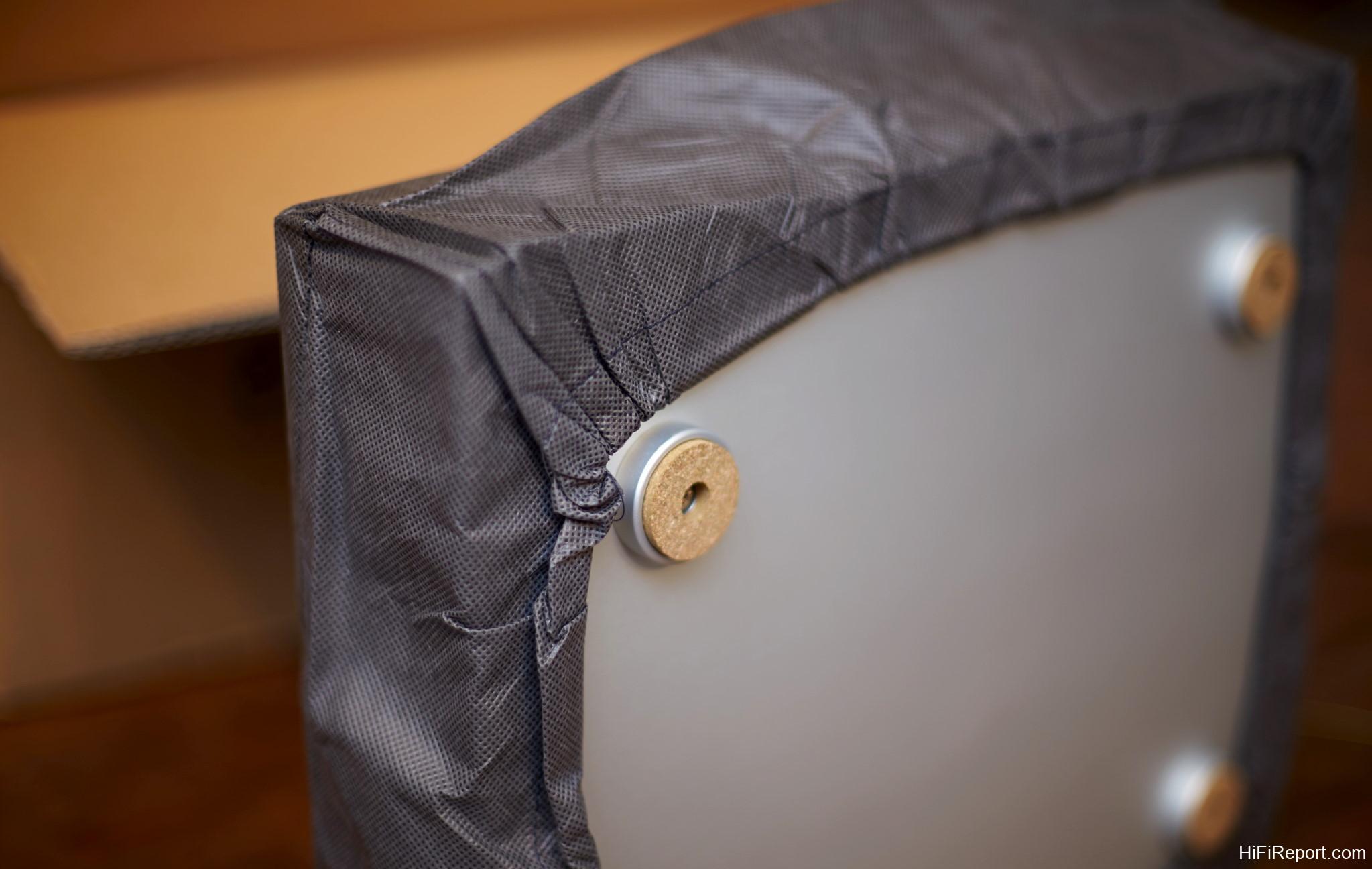
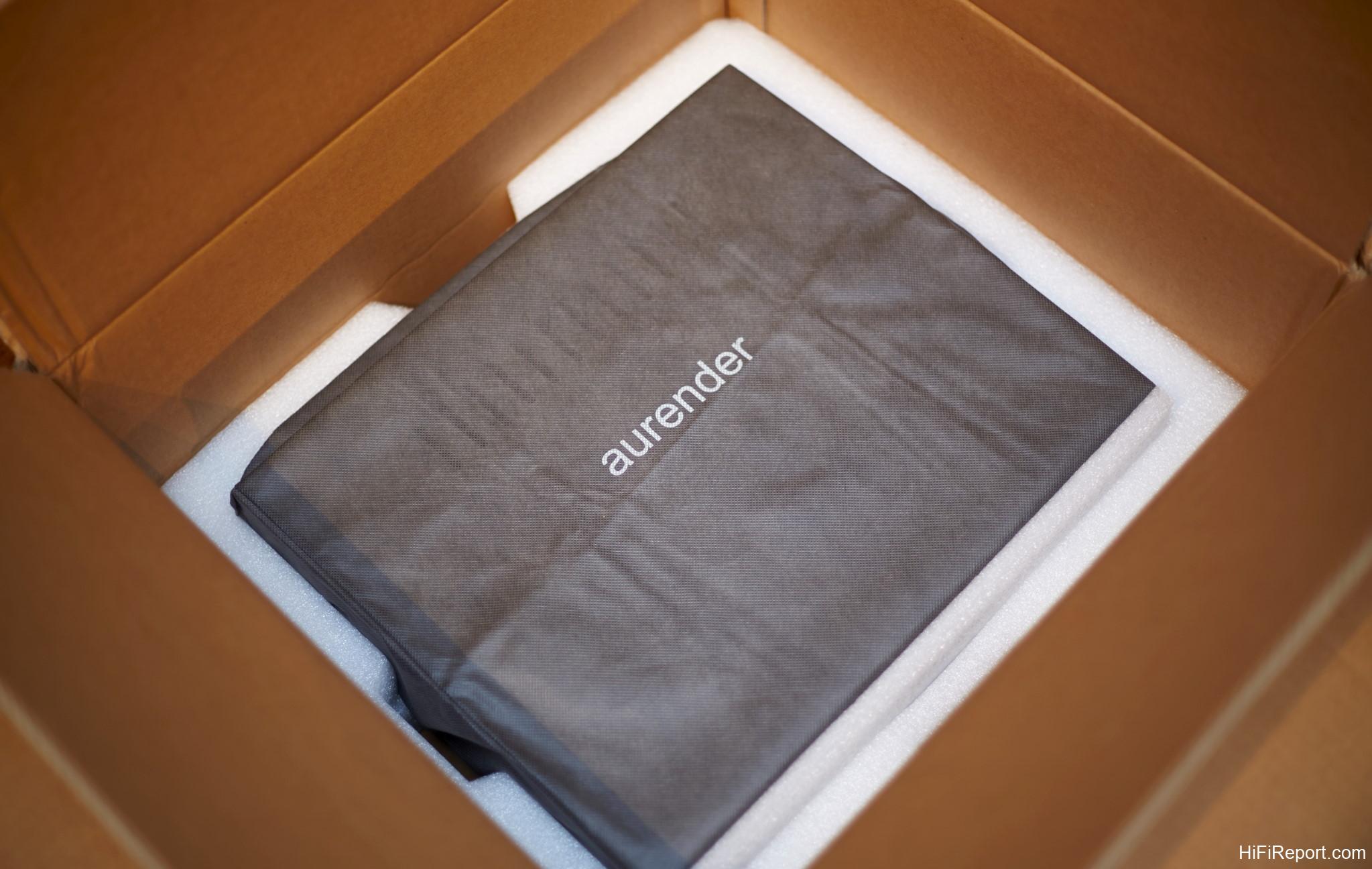
The unit is protected by a branded Aurender bag.
The footers are consistent with previous Aurender models, featuring metal cones with a cork-like material underneath for vibration damping.
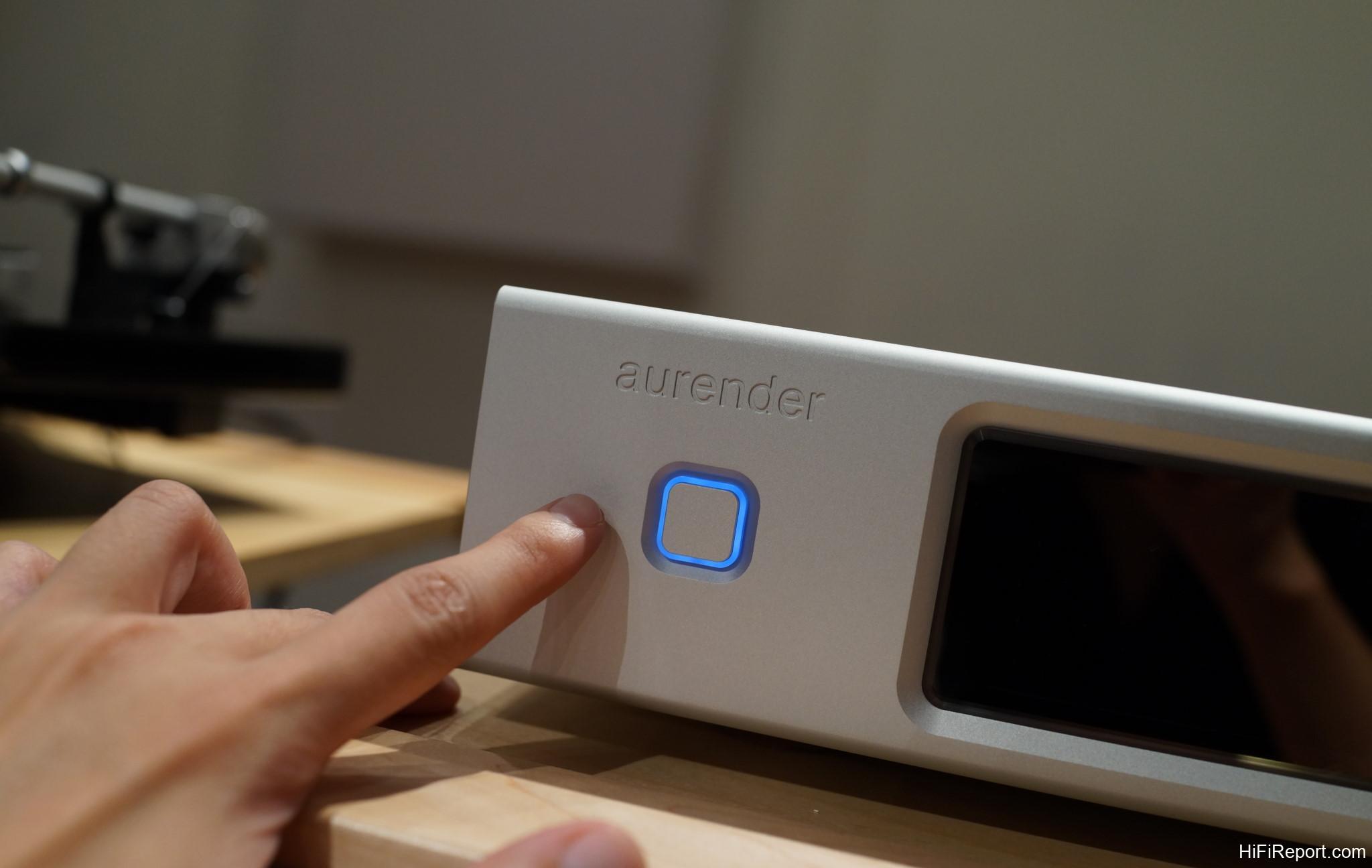
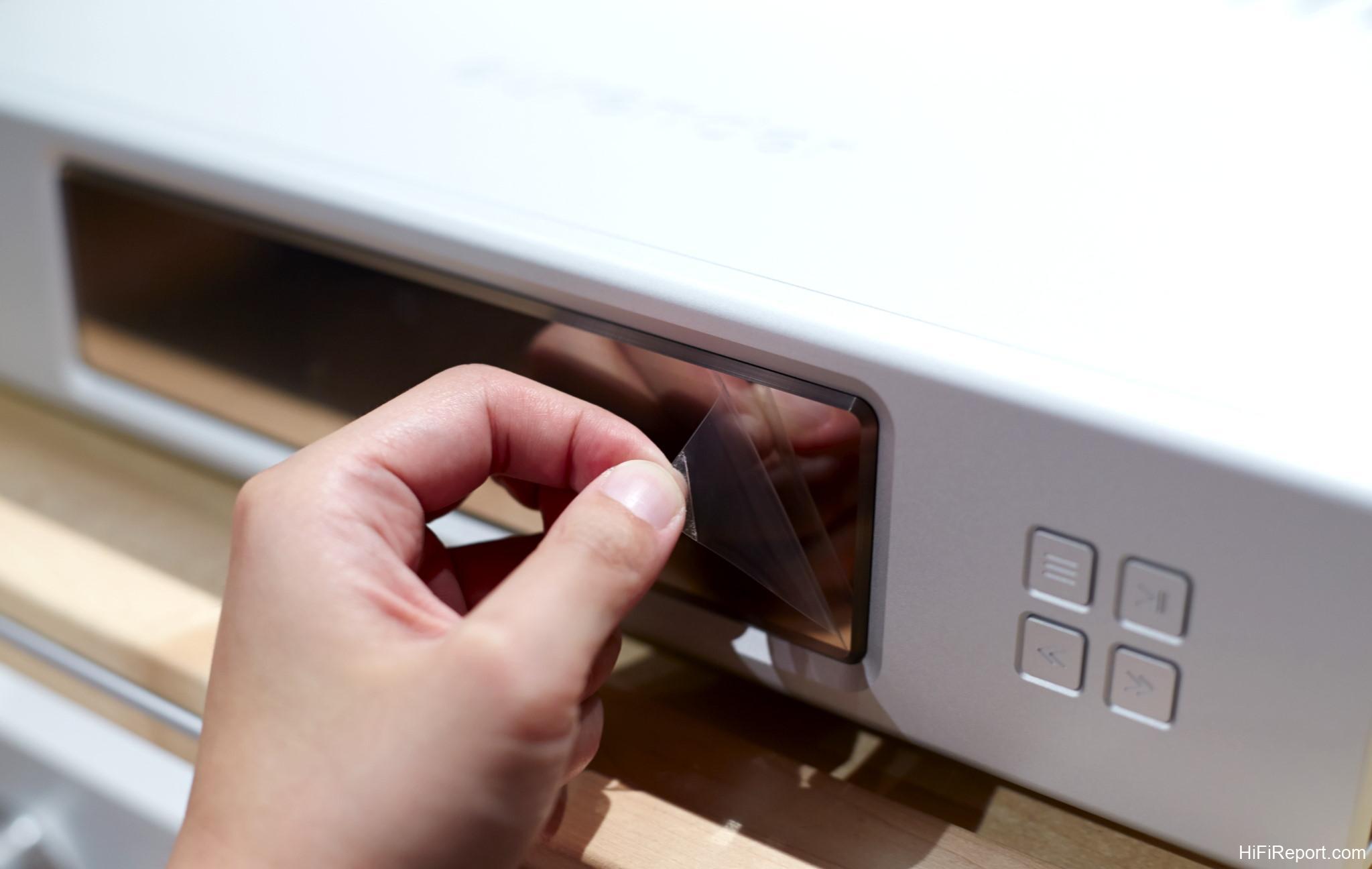
Dual 3.3″ AMOLED displays are positioned on the front panel, each covered with a protective film. We removed the film for clearer photographs, but users can easily apply aftermarket screen protectors for continued protection.
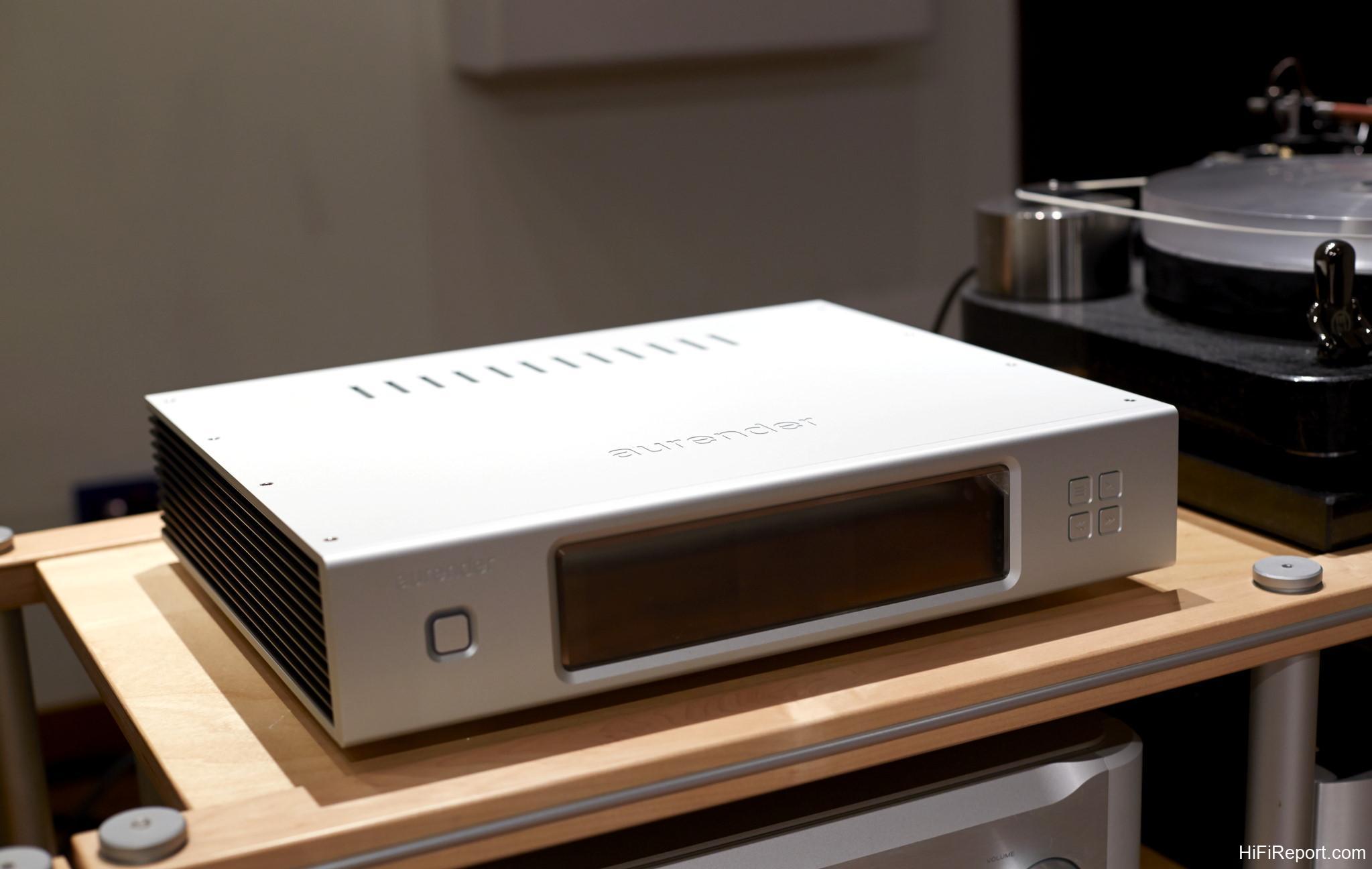
Aurender’s design aesthetic is consistently understated and elegant.
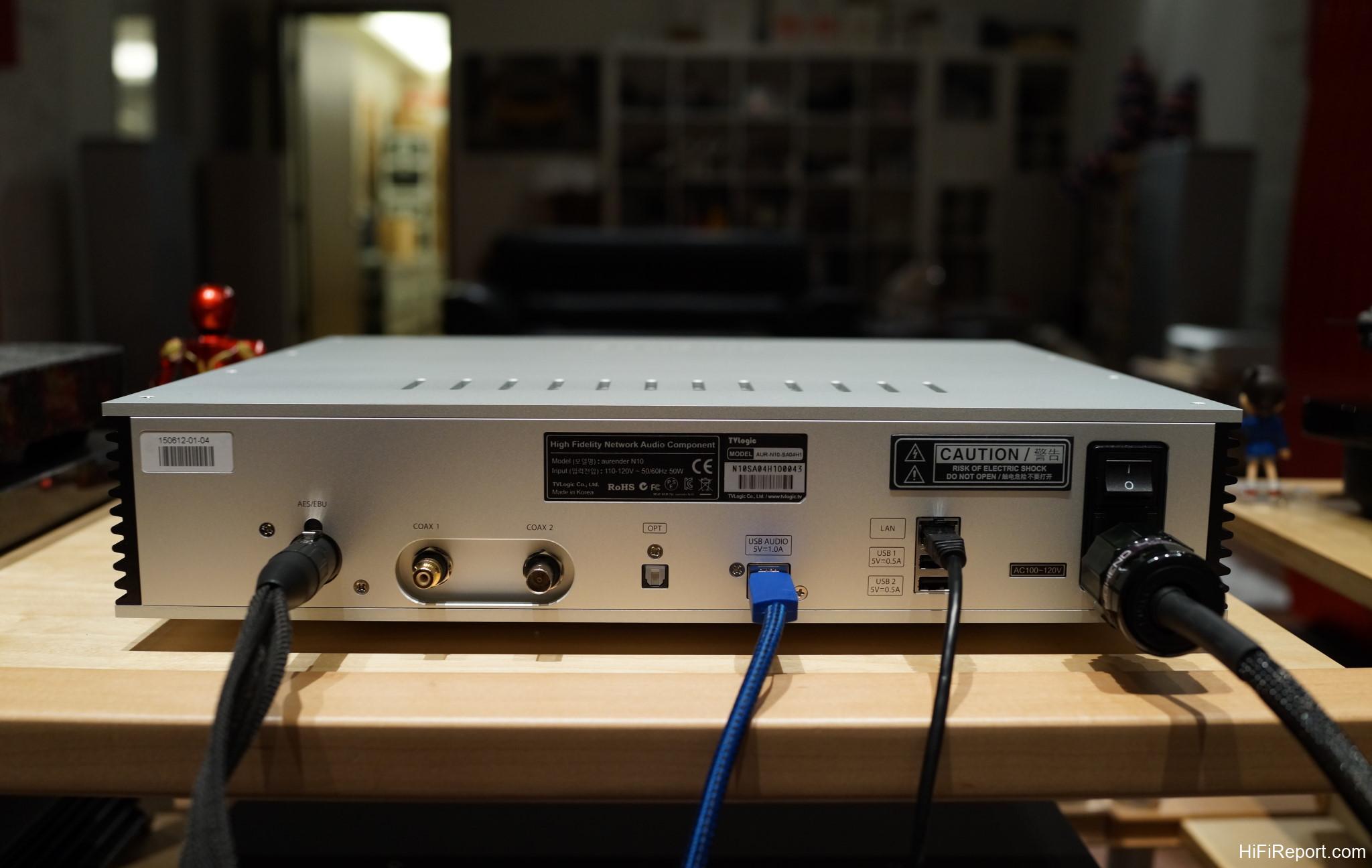
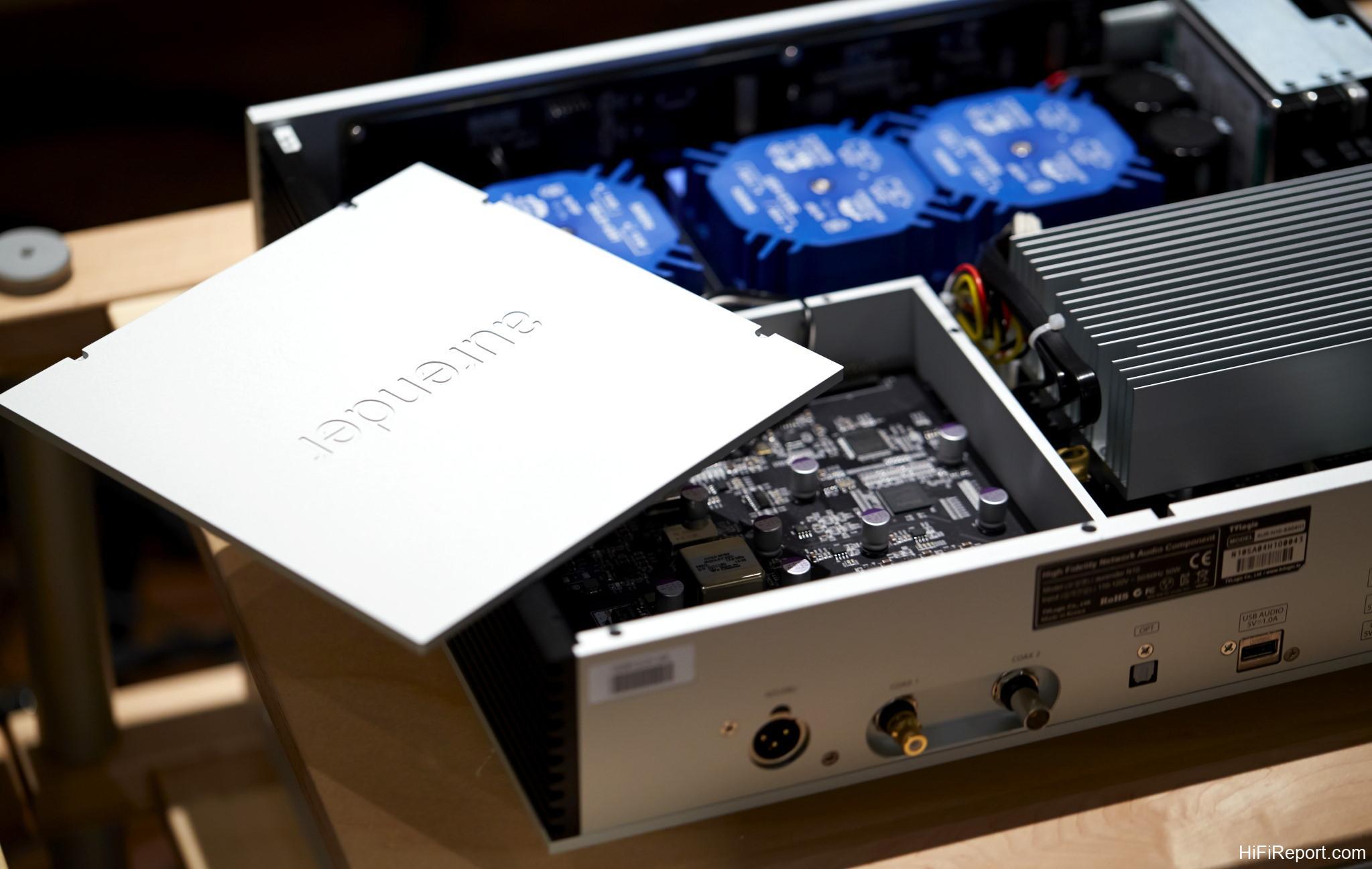
The N10’s rear panel input/output array, from left to right: AES/EBU, coaxial RCA and BNC outputs (one of each), optical output, USB Audio output, network port, and two USB 2.0 ports. Notably, the N10 lacks a Word Clock input, differentiating it from the W20 for users requiring external clock synchronization.
Let’s examine the internal components of the N10.
The N10 utilizes a linear power supply, evident from the three blue transformers, each dedicated to powering different circuit sections.
Beneath the “Iron Man” sticker lies the digital processing circuitry, which is specially shielded and isolated.
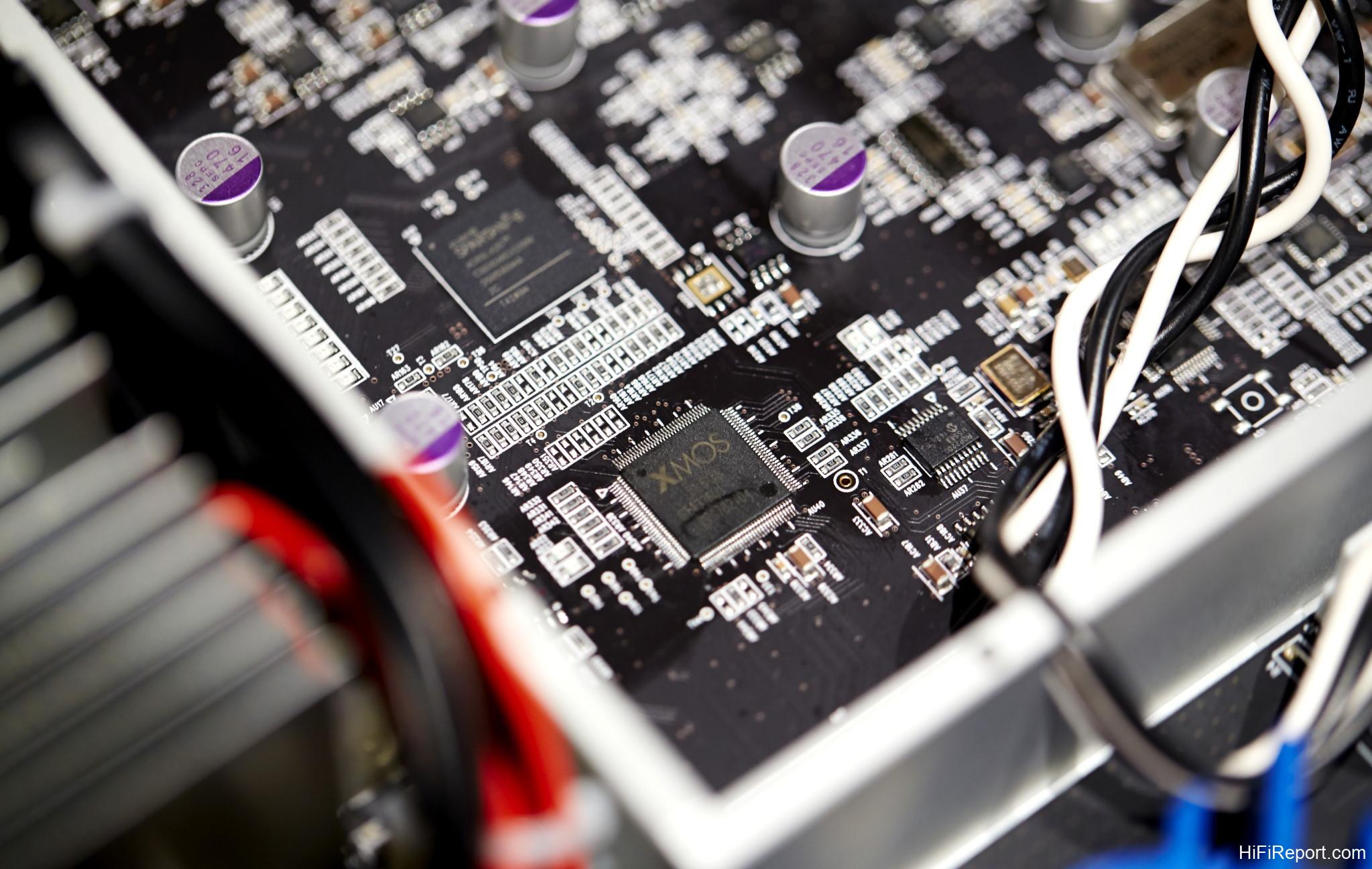
Removing the shielding cover reveals the N10’s digital processing core.
It employs a Field-Programmable Gate Array (FPGA) architecture and an Oven-Controlled Crystal Oscillator (OCXO) for clock precision.
FPGA & OCXO Precision
An All Digital Phase-Locked Loop system (ADPLL) incorporating Field-Programmable Gate Arrays (FPGA) with OCXO clocks precisely times digital audio data transmissions and minimizes jitter to negligible levels.
OCXO Clock for Jitter Reduction
Oven-Controlled Crystal Oscillators (OCXOs) are among the most accurate and stable clocks available today. OCXOs offer orders of magnitude greater accuracy and stability compared to ordinary crystal oscillators commonly found in computers. Temperature fluctuations can cause crystal oscillations to waver, leading to jitter in the digital audio signal. Furthermore, ordinary crystals are less stable and lose accuracy over time.
In OCXO clocks, a high-grade crystal oscillator is encased in a compartment and maintained at a constant temperature, effectively preventing temperature-induced jitter.
The system incorporates SPARTAN and XMOS chips.
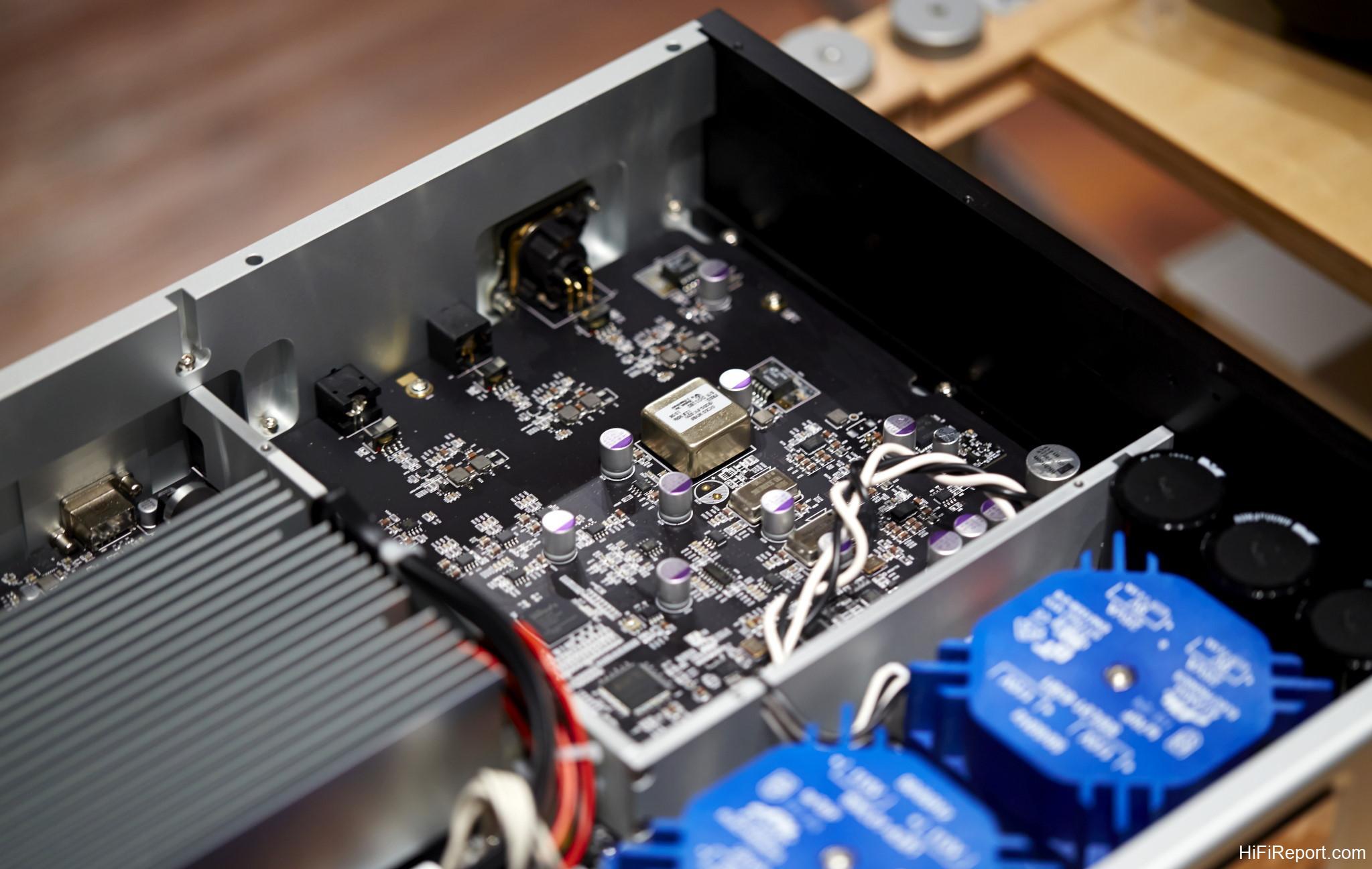
Here’s a closer view of the OCXO oven-controlled crystal oscillator.
Two 2TB 2.5″ hard drives and a 240GB SSD are securely mounted within a sturdy metal bracket to minimize operational vibrations.
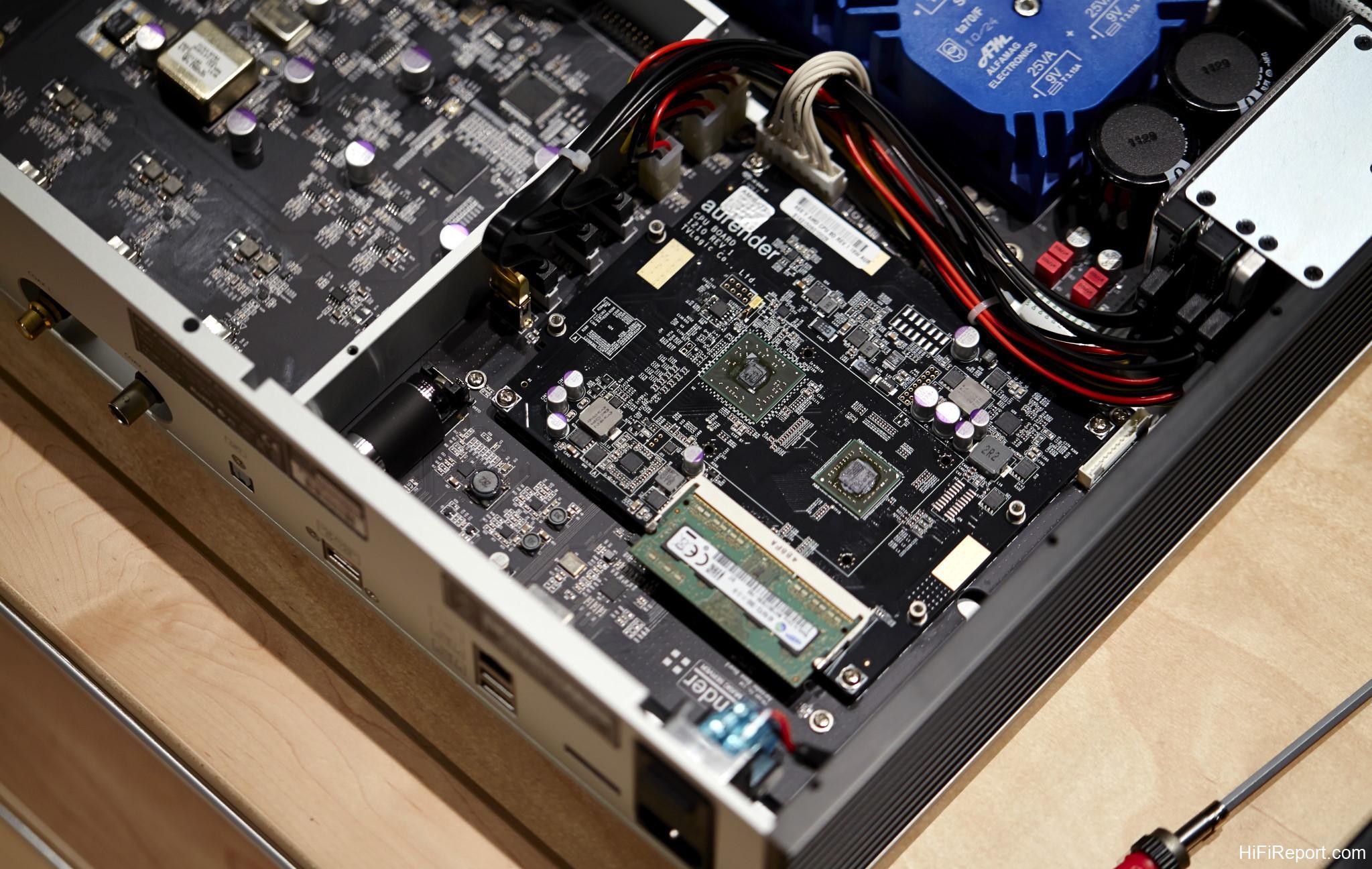
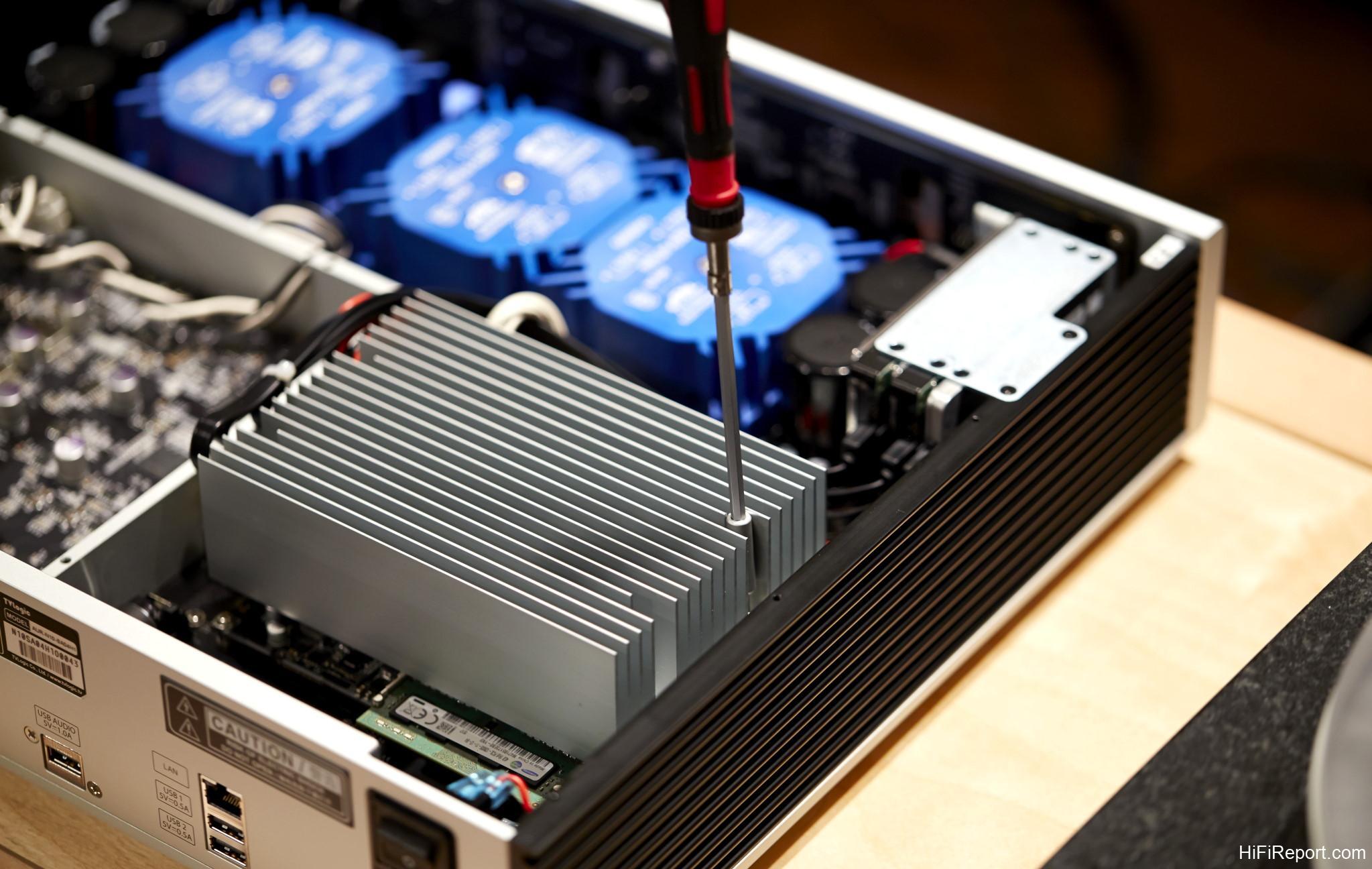
The custom-designed motherboard features a substantial metal heat sink. Removing it exposes the mainboard with the CPU and memory components.
The memory module is a laptop-grade specification, with a capacity of 4GB.
The dedicated USB Audio Class 2.0 output, designed for optimal audio performance, utilizes an ultra-low noise power supply. The Aurender app allows users to disable power to the USB output, further purifying signal transmission, though compatibility depends on the connected USB DAC. The component adjacent to the USB output appears to be a battery, similar to those seen in other Aurender devices. It likely provides clean power to the USB output (or potentially the motherboard itself).
Dedicated USB Audio Output
The dedicated USB Audio Class 2.0 output is engineered to deliver an exceptionally transparent audio signal, free from noise and shielded against external electronic interference. When not in use, the power supply to the USB Audio output can be deactivated, contingent on the connected USB DAC’s requirements.
This image shows the N10 fully disassembled.
Having explored the unboxing and internal analysis, the next step is installation. Modern digital streaming devices are generally very user-friendly. The fundamental principle is to ensure all devices—the Aurender, iPad, and NAS—are connected to the same local area network (LAN). Regardless of whether you use wired or wireless connections, all devices must be on the same network, meaning they should all be connected through the same router.
The HiFiReport test listening room utilizes an Apple router with Wi-Fi capability. Due to its location in an office area and having only one output port, a network switch was added to expand connectivity. Naturally, this router is already configured and connected to the internet.
This network switch expands a single network port into multiple ports, providing four additional outputs—more than sufficient for most setups, accommodating the Aurender N10 and a NAS.
I use a QNAP HS-251 NAS, which stores my DSD music files. This model is designed for silent operation and works quite well. Ideally, the NAS should be located outside the listening room for optimal noise isolation.
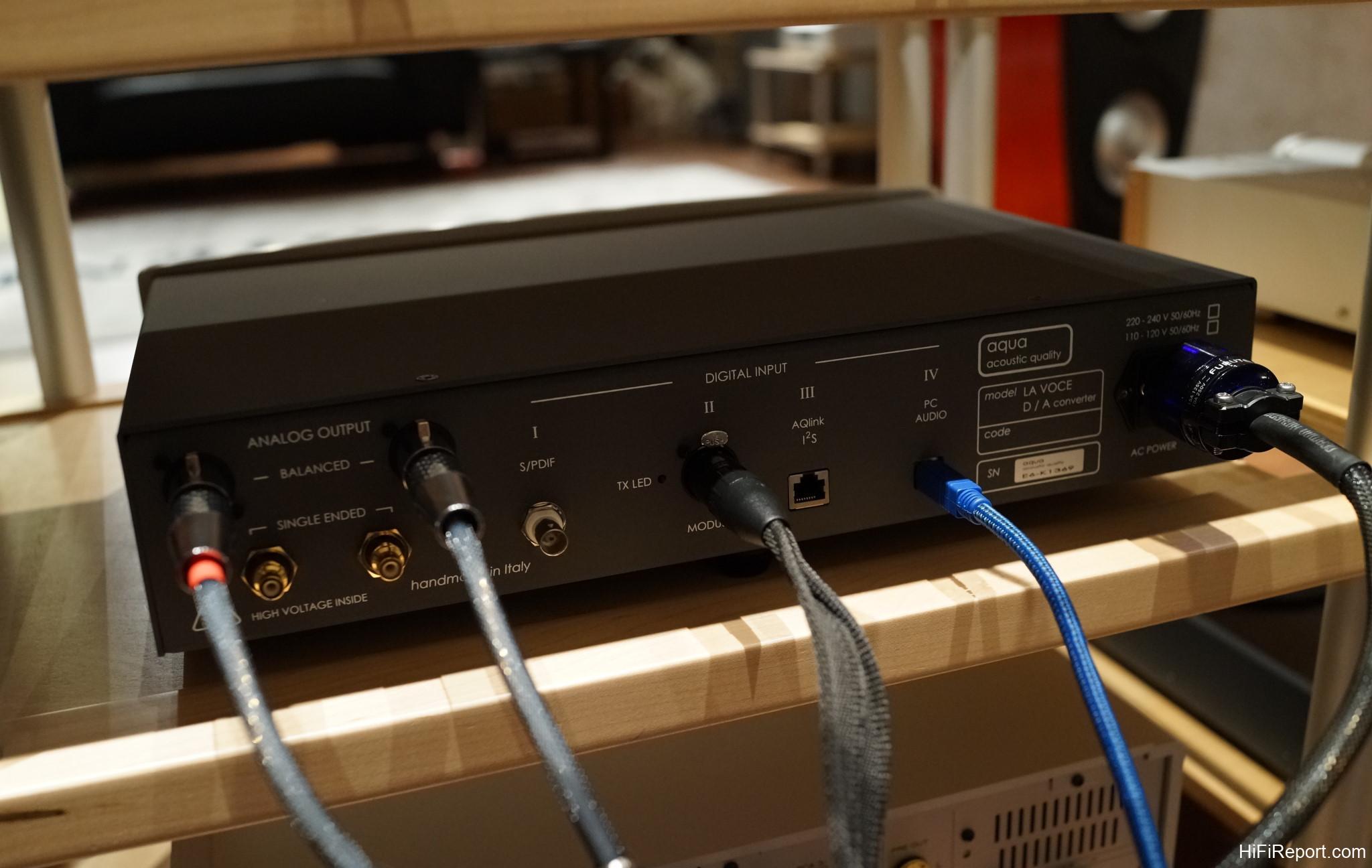
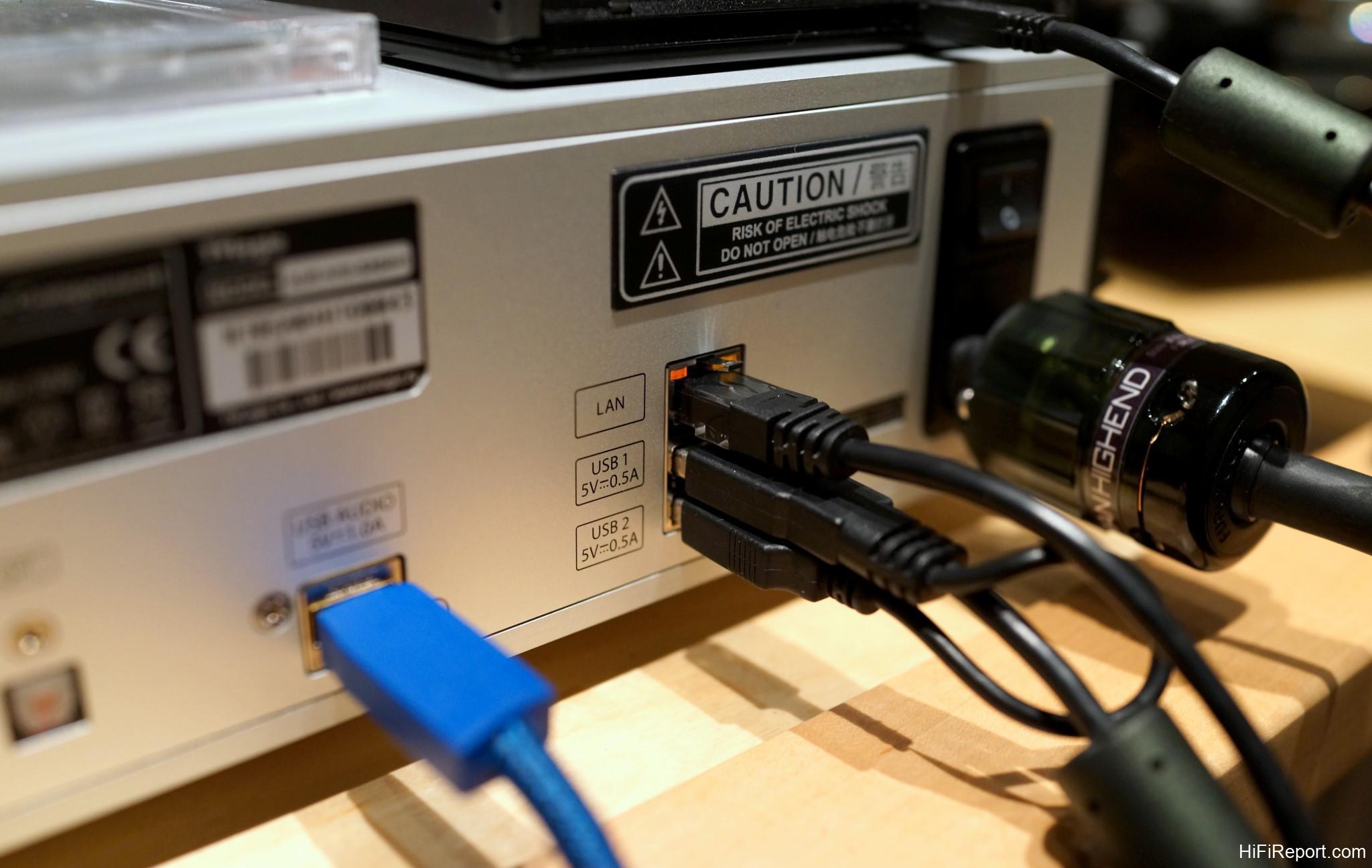
Connecting the N10 involves the power cable and network cable. The choice of digital output depends on the DAC being used. For this review, I initially paired the N10 with the aqua La Voce DAC, connecting both USB and AES/EBU outputs. Why two connections? The primary reason is that the La Voce DAC, at the time of testing, did not decode DSD natively. The N10 features Aurender’s latest functionality: DSD-to-PCM conversion for output via digital interfaces other than USB.
Therefore, I used the AES/EBU connection to test this feature. If using a USB DAC capable of DSD decoding, the direct USB output is the most convenient option.
The aqua La Voce DAC, from Italy, which we have also recently reviewed, uses balanced analog outputs to connect to the amplifier.
With all connections made, power on the N10.
Next, grab your iPad and ensure it is connected via Wi-Fi to the same router as the Aurender. Otherwise, the devices won’t discover each other on the network. Search for “Aurender” in the Apple App Store and download the free “Aurender Conductor” app.
After installation, launch the Aurender app. In the settings, it should automatically detect the Aurender unit on the network (in this case, “N10-0039f4”; the device name will vary and can be customized). Tap on your device, and you can begin using the app to control the N10. If the app fails to find the Aurender, it indicates a network setup issue, most likely stemming from devices not being on the same network. In such cases, contacting your dealer for assistance is advisable.
Once successfully connected, the app will display your music library. The app’s operation is intuitive; anyone familiar with smartphones will find it easy to navigate.
These screenshots illustrate some of the app’s settings screens. The app software is updated periodically (free of charge). The current version is 2.1.8, while the Aurender N10’s firmware is 4.3.115. Each update typically introduces new features or bug fixes, and the current performance is very smooth and stable.
Because the DSD-to-PCM conversion feature is enabled, DSD files can be played back without issue, even with a non-DSD DAC.
Aurender units do not have built-in optical drives, so they cannot rip CDs directly. CDs must be ripped on a computer and then transferred to the N10 via the network or a NAS. However, Aurender offers a workaround: connect an external USB optical drive to the Aurender. Upon inserting a CD, it will automatically rip to the N10. Album information and cover art are usually retrieved automatically, with a success rate of around 70-80%, though Chinese language album covers may be less reliably found.
If cover art is missing, it can be added manually via a computer.
This Diana Krall CD, being widely recognized, had its cover art and information easily retrieved during ripping.
This screenshot shows the app interface while playing a DSD file from my NAS.
Technical Specifications
* Compatible Formats: DSD(DSF, DFF), WAV, FLAC, AIFF, ALAC, M4A, APE and others
* Bit and Sample Rates:
* SPDIF : Up to 24-bit, 192kHz (PCM); 1-bit, 2.8MHz (DSD64)
* USB : Depends on the DAC specifications (PCM); 1-bit, 2.8MHz (DSD64); 1-bit, 5.6MHz (DSD128)
* User Software: Aurender Conductor iPad App, Android App (Lite Version)
* Solid-State Drive: 1 x 240 GB
* Hard Disk Drives: 4TB (2 x 2TB)
* SPDIF Clocking: FPGA-based All Digital Phase Locked Loop
* Audio Clock: OCXO
* Digital Audio Outputs: 1 coaxial, 1 optical, 1 AES/EBU, 1 BNC, 1 USB Audio Class 2.0
* Digital I/O: 1 Gigabit LAN, 2 x USB 2.0
* CPU Board: Proprietary Aurender Board
* Main Memory: 4GB
* Finish: Silver or Black
* Dimensions: 430mm x 83mm x 353mm (16.93in x 3.27in x 13.9in)
* Weight: 12kgs (26.4lb)